
What this agent can do for your business
- Cited severity matrixIncluded
- Asks only what is neededIncluded
- Physical risk to a personIncluded
- Clear team and timeIncluded
- Answers from your own content: the knowledge base you loadWith your setup
- Chat on your WordPress site, in Spanish and EnglishIncluded
Classifies each incident with your published matrix (category, severity, team and response time), asks only for...
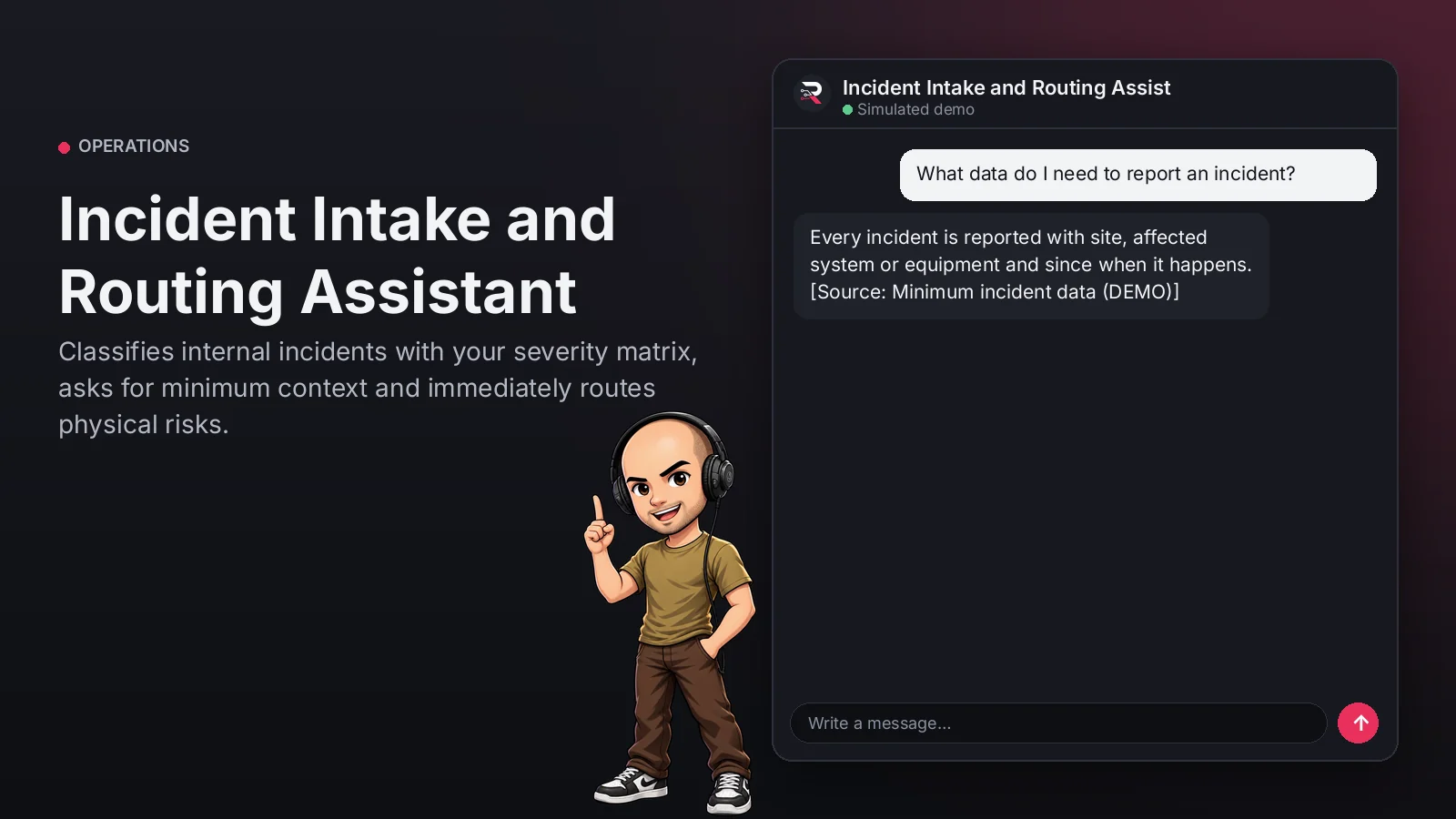
Incident Intake and Routing Assistant
Classifies internal incidents with your severity matrix, asks for minimum context and immediately routes physical risks.
Built for: Employees and internal help desks
From USD 299.00 / year
Annual access · updates and support during the term
What changes in your business
- Incidents routed without classification or context
- Urgent reports waiting as if they were questions
Try Incident Intake and Routing Assistant
Talk to the agent the way a customer would. It uses demo data and changes no real system.

Hi 👋 I am Incident Intake and Routing Assistant. I use demo data.
Demo data. It does not change any real system.
From install to the first conversation
 1
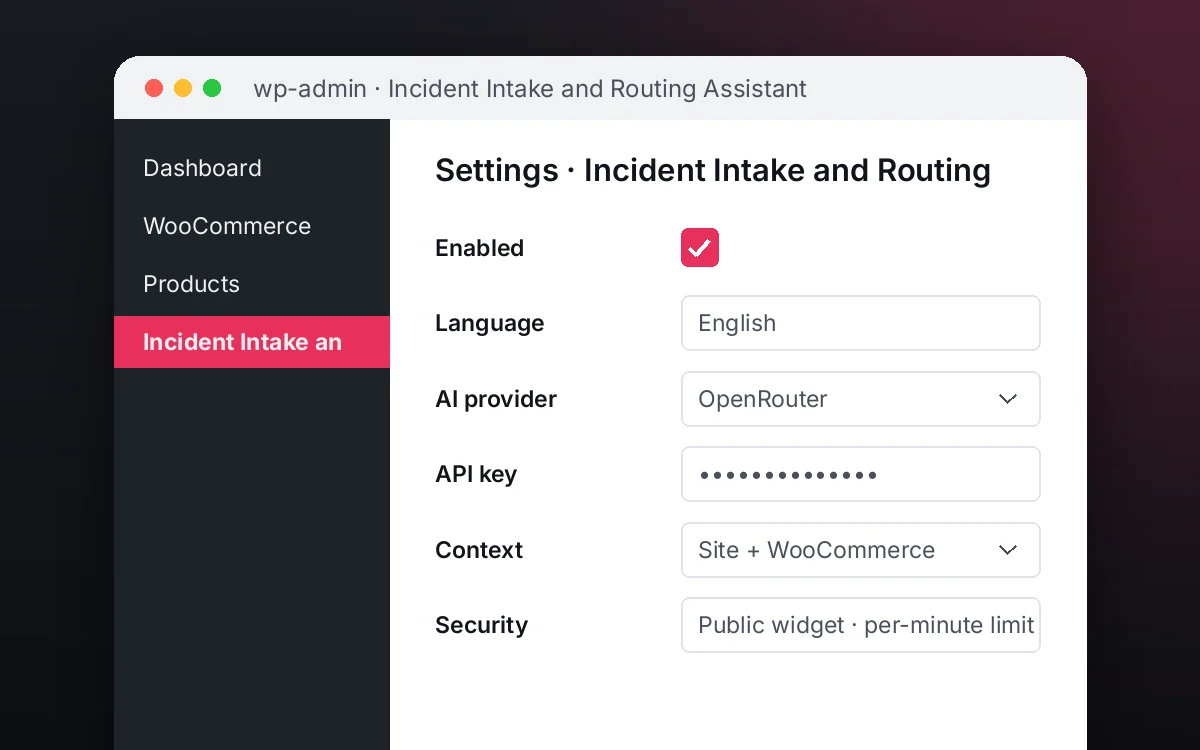
1Configure
Enable the plugin in your WordPress, pick your AI provider and load your business context.
 2
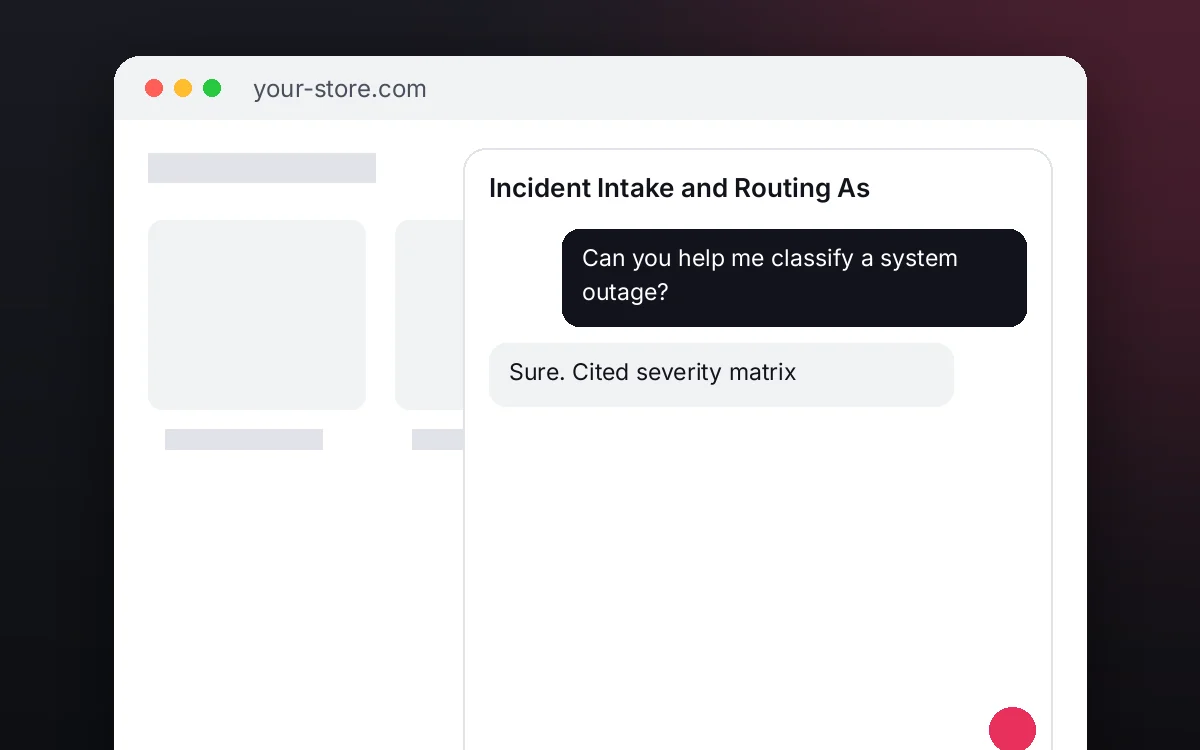
2Converse
The agent answers on your website using your catalog and knowledge base.
 3
3Hand off and log
When a case needs your team it hands it off to a person, and keeps the conversation when the visitor leaves contact details.
What it does and what it connects to
- Cited severity matrix
- Asks only what is needed
- Physical risk to a person
- Clear team and time
What the agent can do
- Website chat
- Answers with sources
- Human handoff
- Knowledge search
- Answers from your knowledge base
Compatibility
- REST API
- Any website
- WooCommerce
- WordPress
What your purchase includes
- Delivery
- ZIP package for local WordPress installation.
Requirements
- WordPress 6+
- AI provider key (OpenRouter, OpenAI, Anthropic, Google or DeepSeek)
- Published process rules: required data, owners and SLA (knowledge base); authenticated access
Before you buy
Does it create tasks or tickets in another system?
No. It structures the request and, when you ask, passes it to the responsible person; the case stays in the plugin's Operations panel.
What does it do with a physical risk?
It does not treat it as just another incident: it immediately passes the case to a person on the responsible team.
What do I need to configure?
Load your incident matrix as the knowledge base, set who receives routed cases and connect your AI key.
Does it invent answers?
No. It only answers from your approved sources; if something is not documented it says so and routes the case.
Works well with
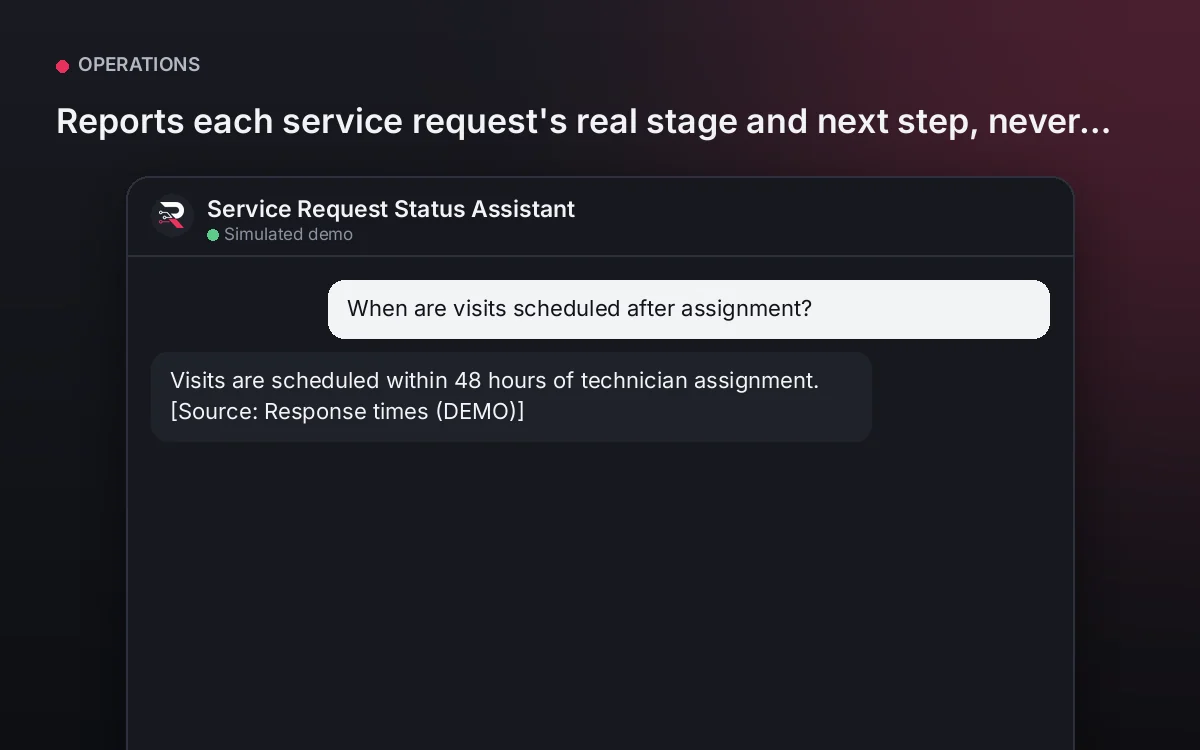
Service Request Status Assistant
Reports each service request's real stage and next step, never inventing visit dates.
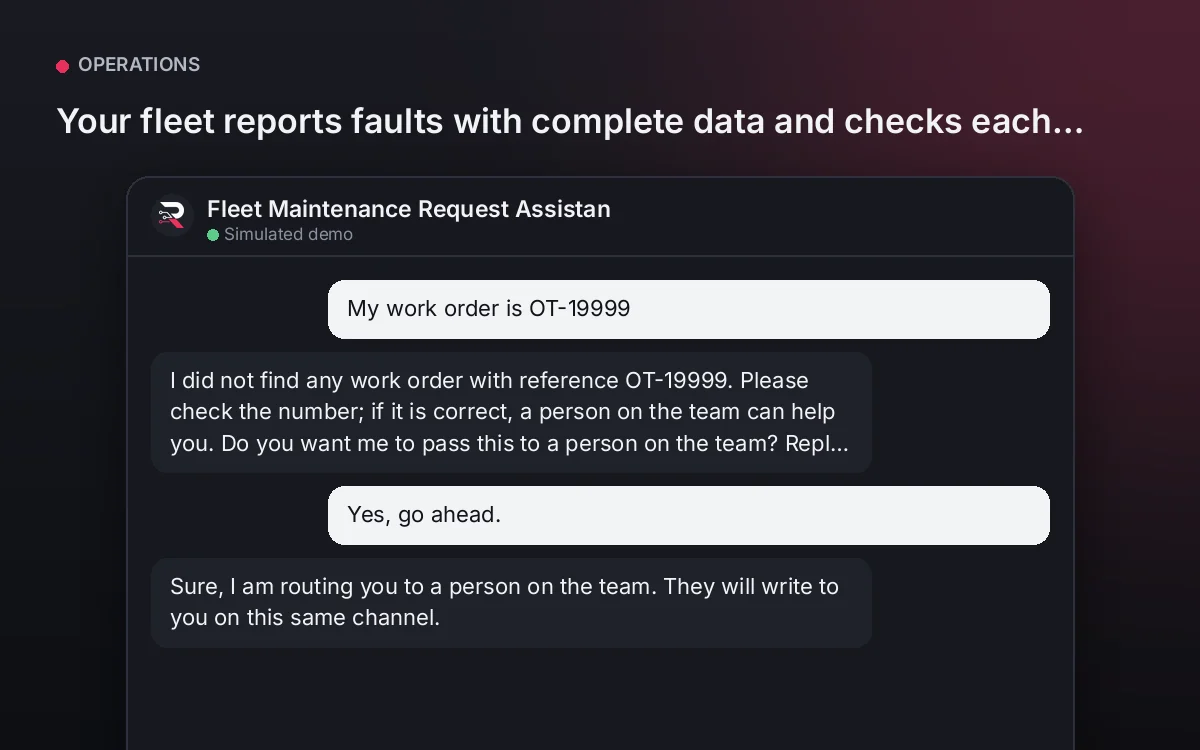
From USD 299.00 / yearView agentFleet Maintenance Request Assistant
Your fleet reports faults with complete data and checks each work order's real status, without calls to the shop.
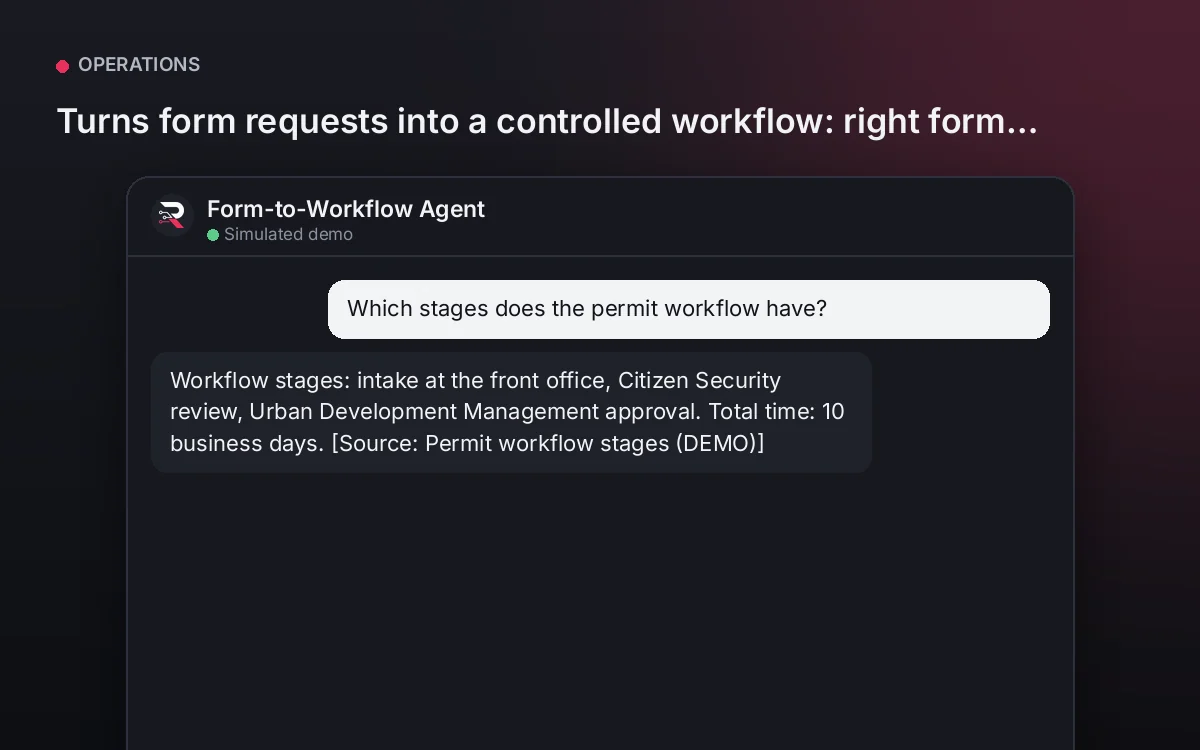
From USD 299.00 / yearView agentForm-to-Workflow Agent
Turns form requests into a controlled workflow: right form, complete fields, clear stages and times.
From USD 299.00 / yearView agent
Incident Intake and Routing Assistant
Install the plugin with access for your authenticated team only, load your incident matrix, set who receives routed cases, connect your AI key and test a real request.
Full product description
Classifies each incident with your published matrix (category, severity, team and response time), asks only for site, affected system and since when, and immediately routes any physical risk such as smoke or a leak to a person. It never diagnoses or resolves: it informs and routes.