

What this agent can do for your business
- Tells sales inquiries from supportIncluded
- Answers services, SLA and onboardingIncluded
- Solves documented basic supportIncluded
- Routes with priority, symptom and steps triedIncluded
- Chat on your WordPress site, in Spanish and EnglishIncluded
Serves prospects and clients on one channel: answers services, SLA and onboarding from your information to...
MSP Client Intake & Support Assistant
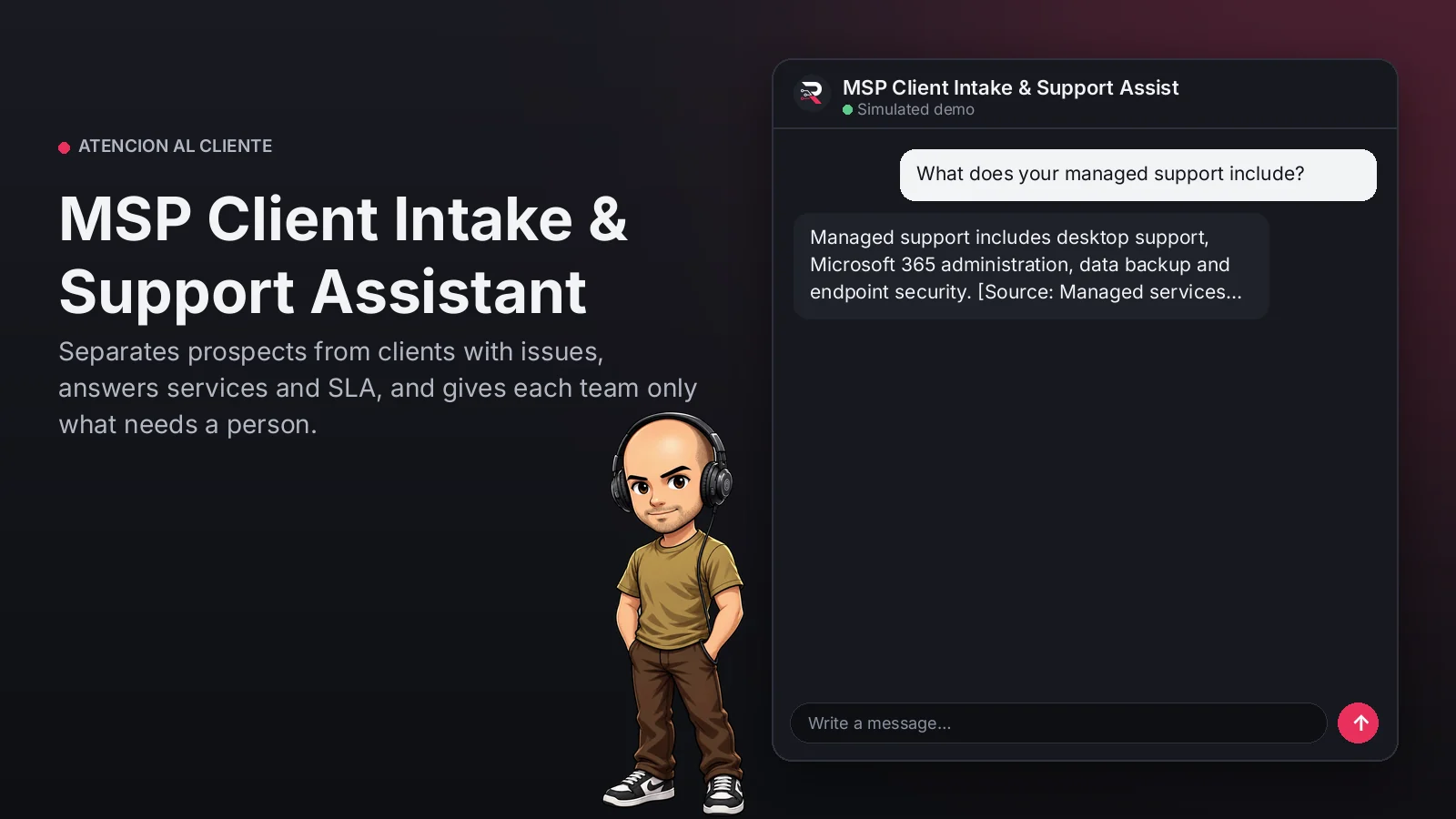
Separates prospects from clients with issues, answers services and SLA, and gives each team only what needs a person.
Built for: Managed IT service providers
From USD 299.00 / year
Annual access · updates and support during the term
What changes in your business
- Sales and support inquiries compete for the same team
- Clients reporting outages without useful data
Try MSP Client Intake & Support Assistant
Talk to the agent the way a customer would. It uses demo data and changes no real system.

Hi 👋 I am MSP Client Intake & Support Assistant. I use demo data.
Demo data. It does not change any real system.
From install to the first conversation
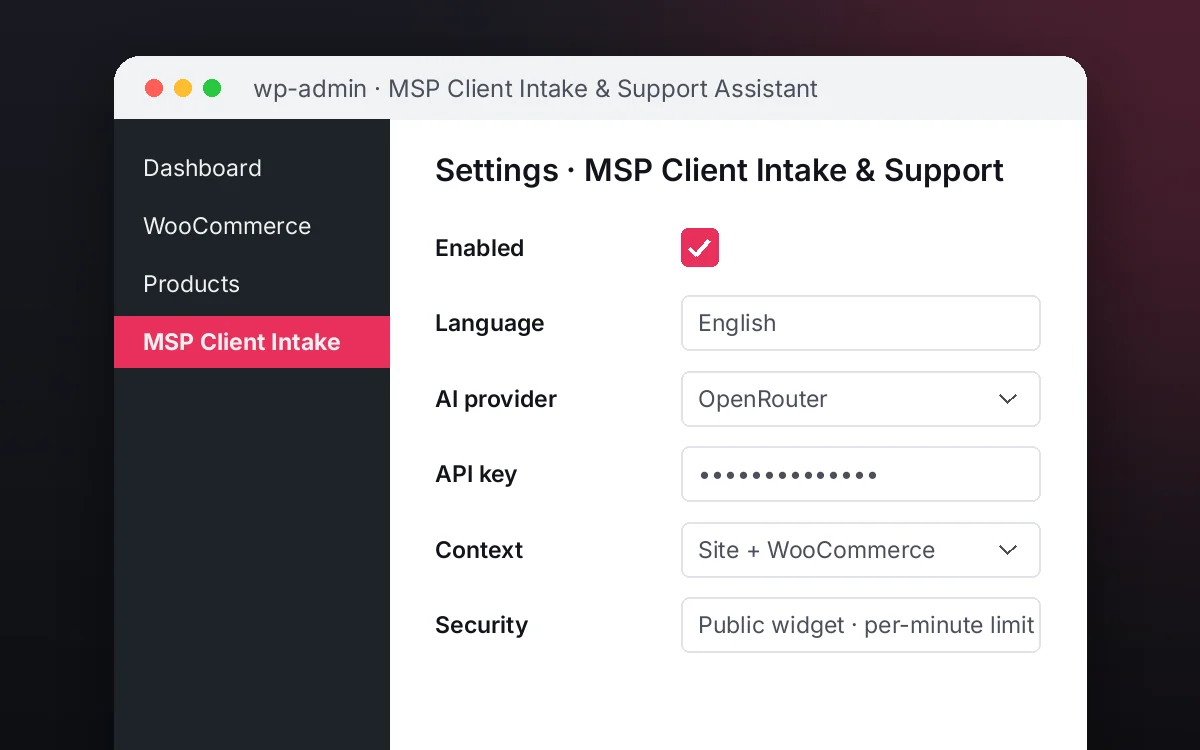 1
1Configure
Enable the plugin in your WordPress, pick your AI provider and load your business context.
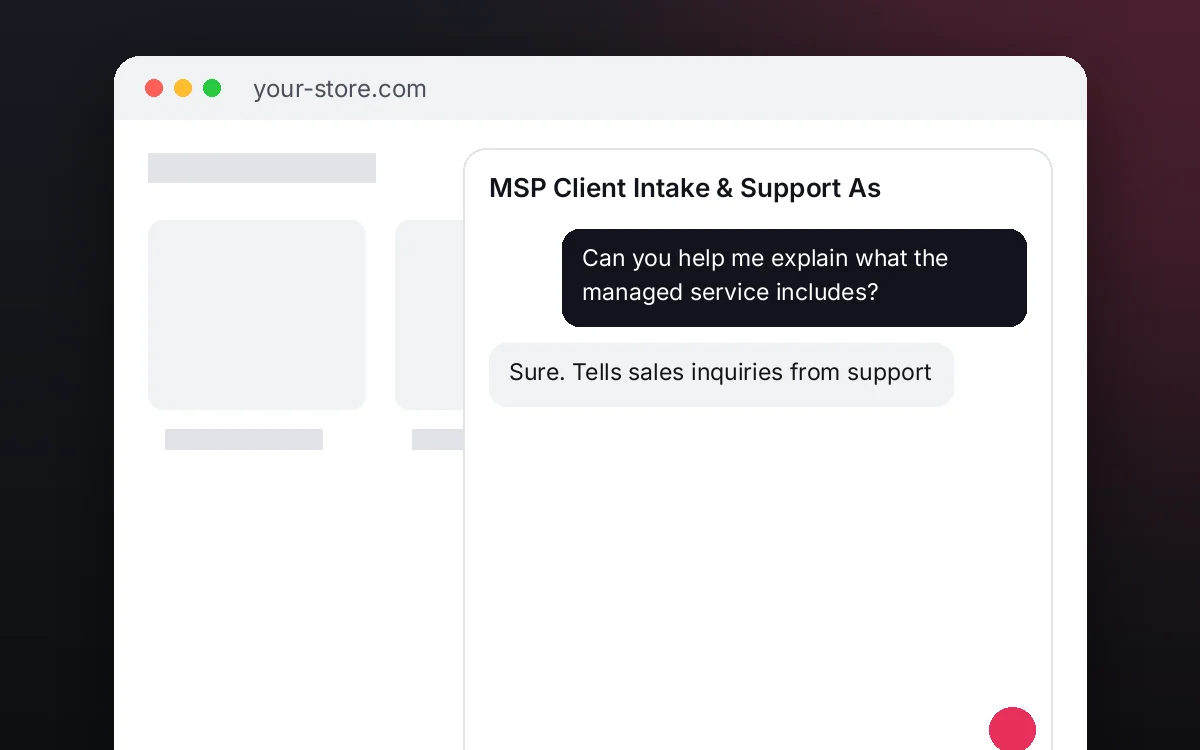 2
2Converse
The agent answers on your website using your catalog and knowledge base.
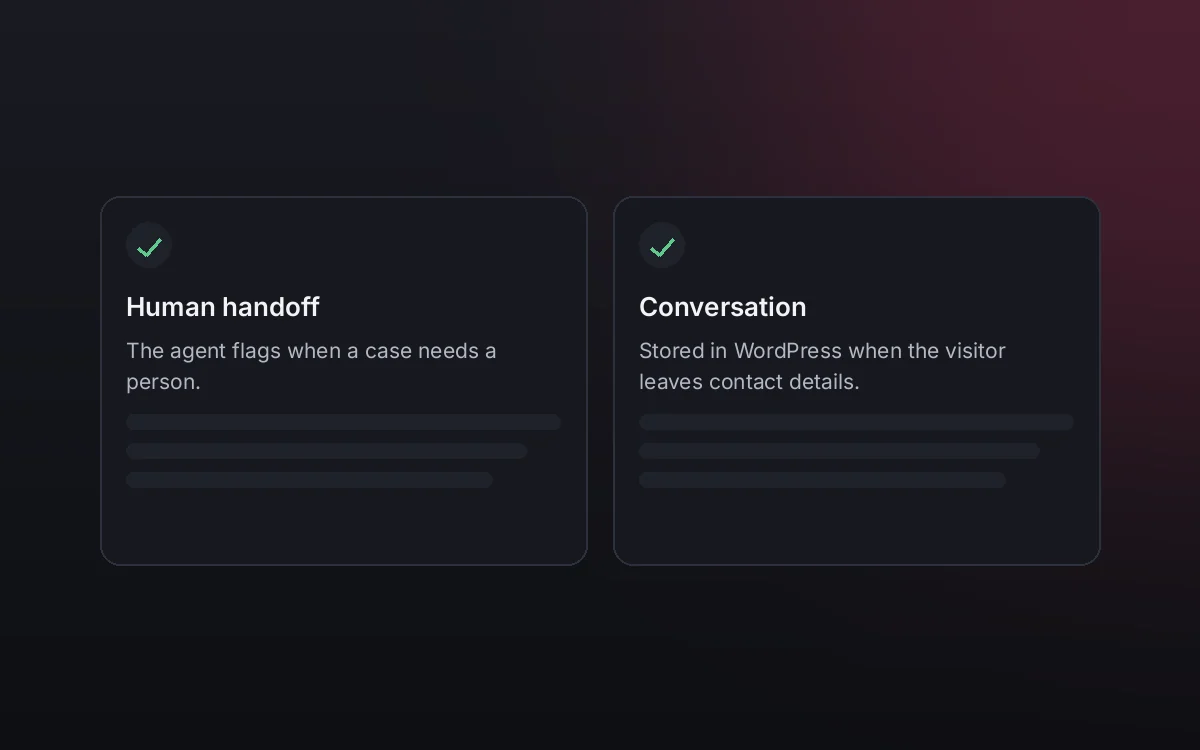 3
3Hand off and log
When a case needs your team it hands it off to a person, and keeps the conversation when the visitor leaves contact details.
What it does and what it connects to
- Tells sales inquiries from support
- Answers services, SLA and onboarding
- Solves documented basic support
- Routes with priority, symptom and steps tried
What the agent can do
- Website chat
- Human handoff
- Knowledge search
- Answers from your knowledge base
Compatibility
- REST API
- Any website
- WooCommerce
- WordPress
What your purchase includes
- Delivery
- ZIP package for local WordPress installation.
Requirements
- WordPress 6+
- AI provider key (OpenRouter, OpenAI, Anthropic, Google or DeepSeek)
- Your services, SLA and support articles (knowledge base); PSA / CRM optional
Before you buy
Does it serve prospects and clients at once?
Yes. It identifies whether it is a sales inquiry or an issue and sends it to the advisor or technical team with context.
Does it create tickets?
Routed issues stay in the WordPress operations panel with priority, symptom and steps tried. Connecting your PSA or CRM is optional.
What do I need to configure?
Your services, SLA, onboarding and support articles as the knowledge base, who receives prospects and issues, and your AI key.
Does it give prices?
Only those you publish in your information; it never invents prices or commitments.
How is it different from a generic chat?
It separates sales from support and gives each team a case ready to act on.
Works well with
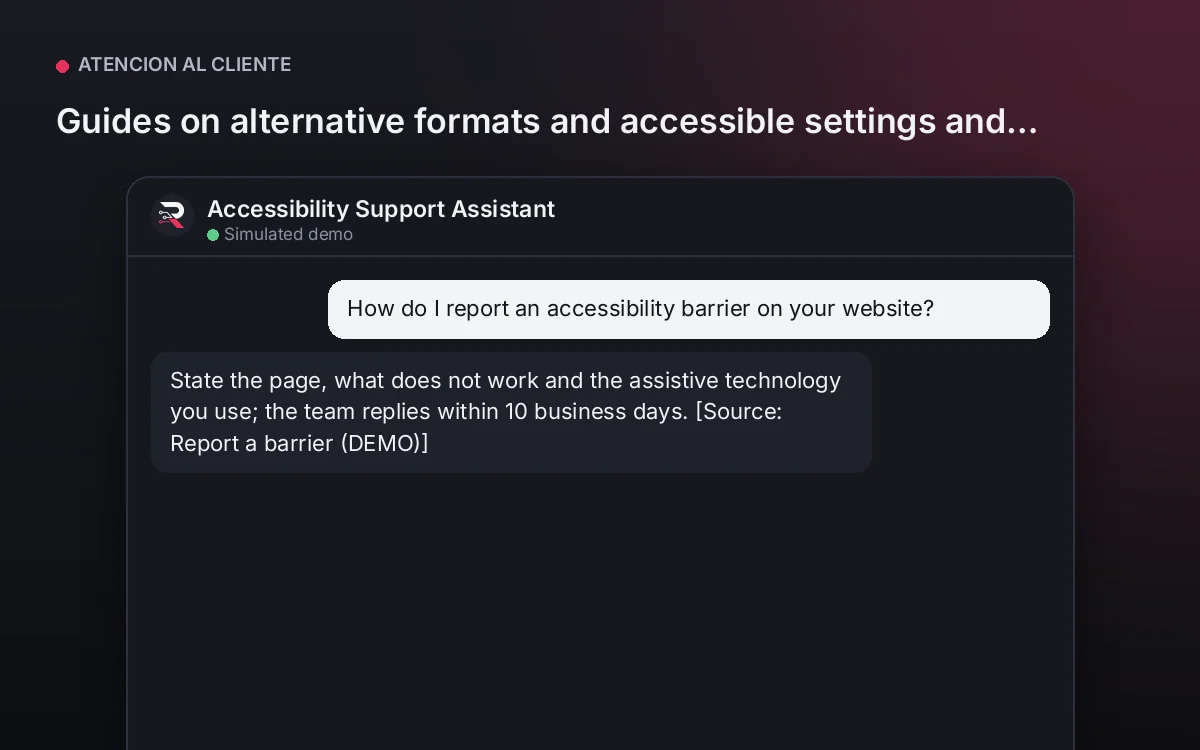
Accessibility Support Assistant
Guides on alternative formats and accessible settings and records each barrier so your team can fix it.
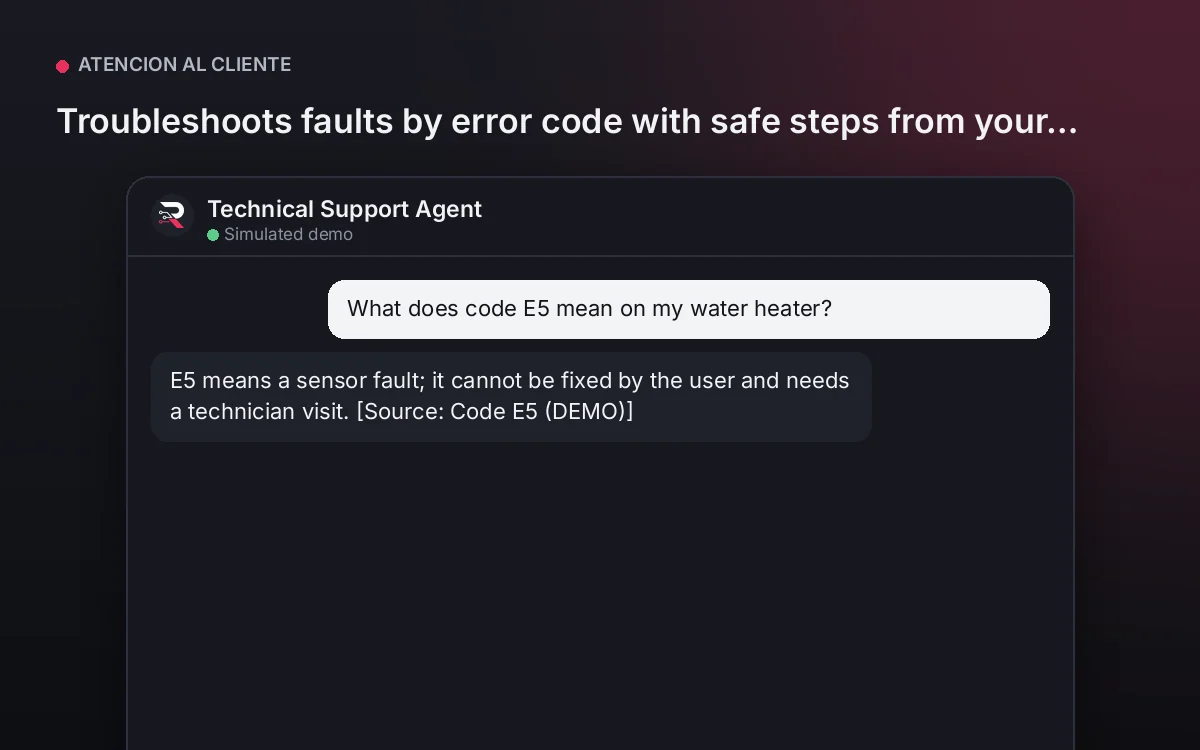
From USD 199.00 / yearView agentTechnical Support Agent
Troubleshoots faults by error code with safe steps from your guides and routes to a technician with the full history.
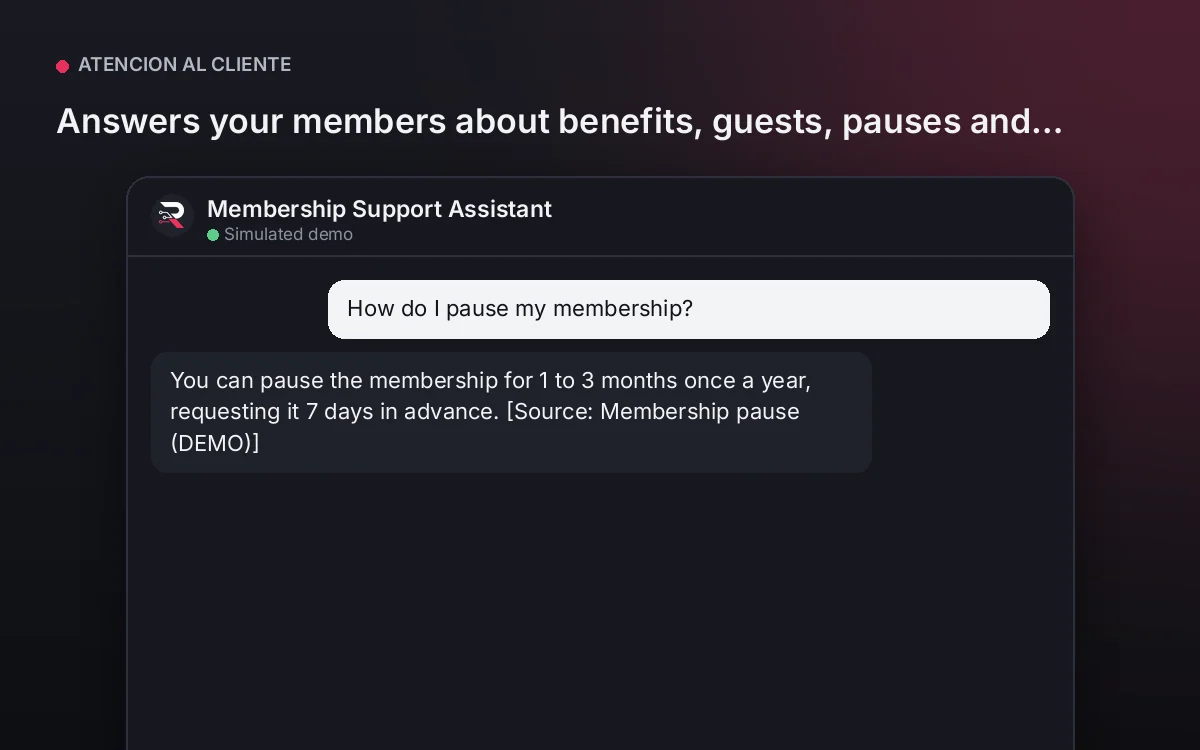
From USD 199.00 / yearView agentMembership Support Assistant
Answers your members about benefits, guests, pauses and hours from your rules, without promising exceptions.
From USD 199.00 / yearView agent
MSP Client Intake & Support Assistant
Install the plugin, load your services, SLA and support articles, set who receives prospects and issues, connect your AI key and test both cases.
Full product description
Serves prospects and clients on one channel: answers services, SLA and onboarding from your information to whoever evaluates your service and passes them to an advisor; solves documented support for clients step by step and routes outages or unsolved cases to the technical team with priority and context.