

What this agent can do for your business
- Onboarding checklist with saved progressIncluded
- Exact help on every stepIncluded
- Never receives passwords by chatIncluded
- No tax adviceIncluded
- Answers from your own content: the knowledge base you loadWith your setup
- Hands the case to a person on your team when neededWith your setup
Guides your firm's onboarding checklist (company details, engagement letter, returns and books, access and kickoff meeting),...
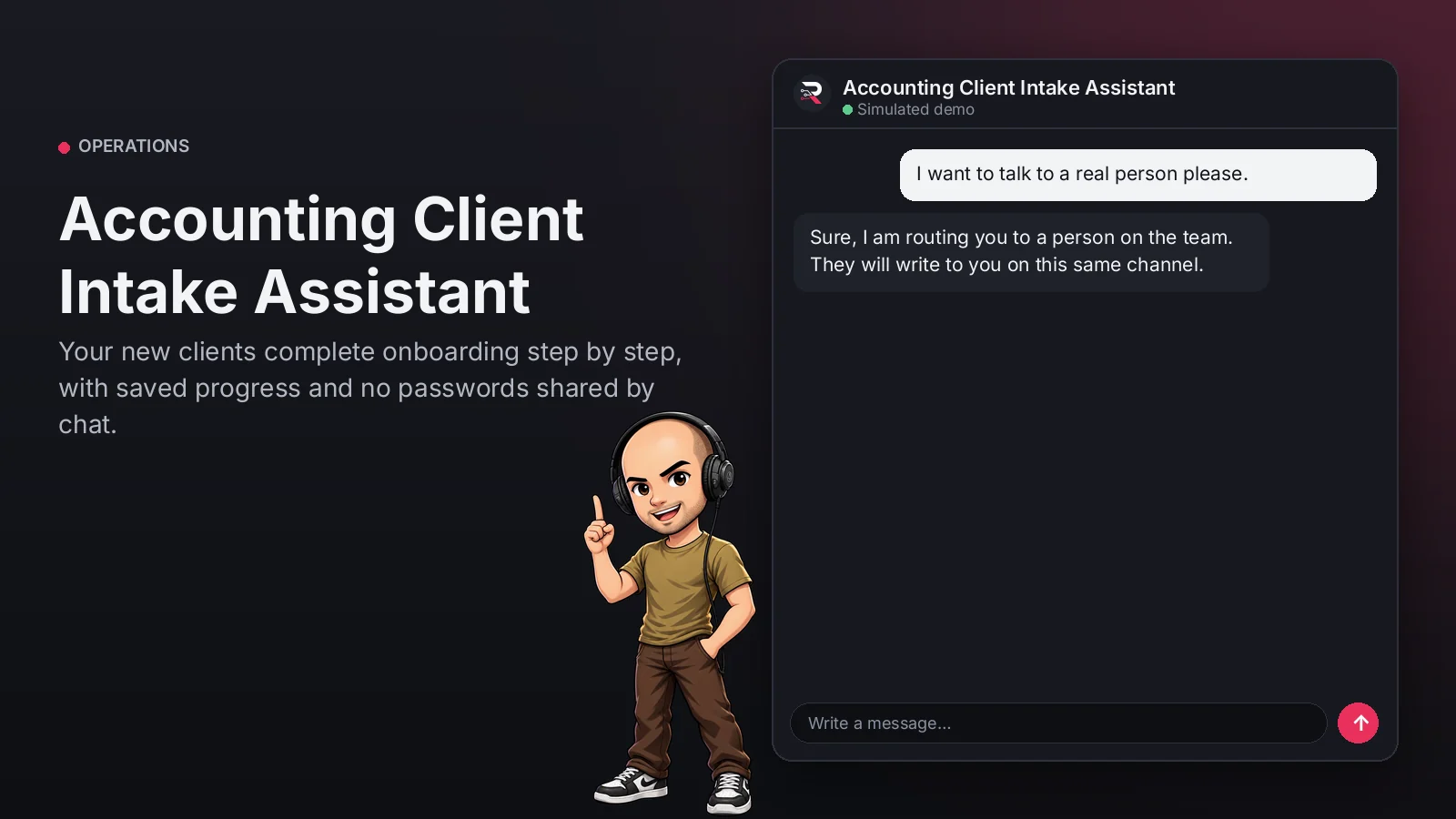
Accounting Client Intake Assistant
Your new clients complete onboarding step by step, with saved progress and no passwords shared by chat.
Built for: Accounting firms
From USD 299.00 / year
Annual access · updates and support during the term
What changes in your business
- Onboardings delayed for weeks by missing documents
- Clients sending passwords over chat
Try Accounting Client Intake Assistant
Talk to the agent the way a customer would. It uses demo data and changes no real system.

Hi 👋 I am Accounting Client Intake Assistant. I use demo data.
Demo data. It does not change any real system.
From install to the first conversation
 1
1Configure
Enable the plugin in your WordPress, pick your AI provider and load your business context.
 2
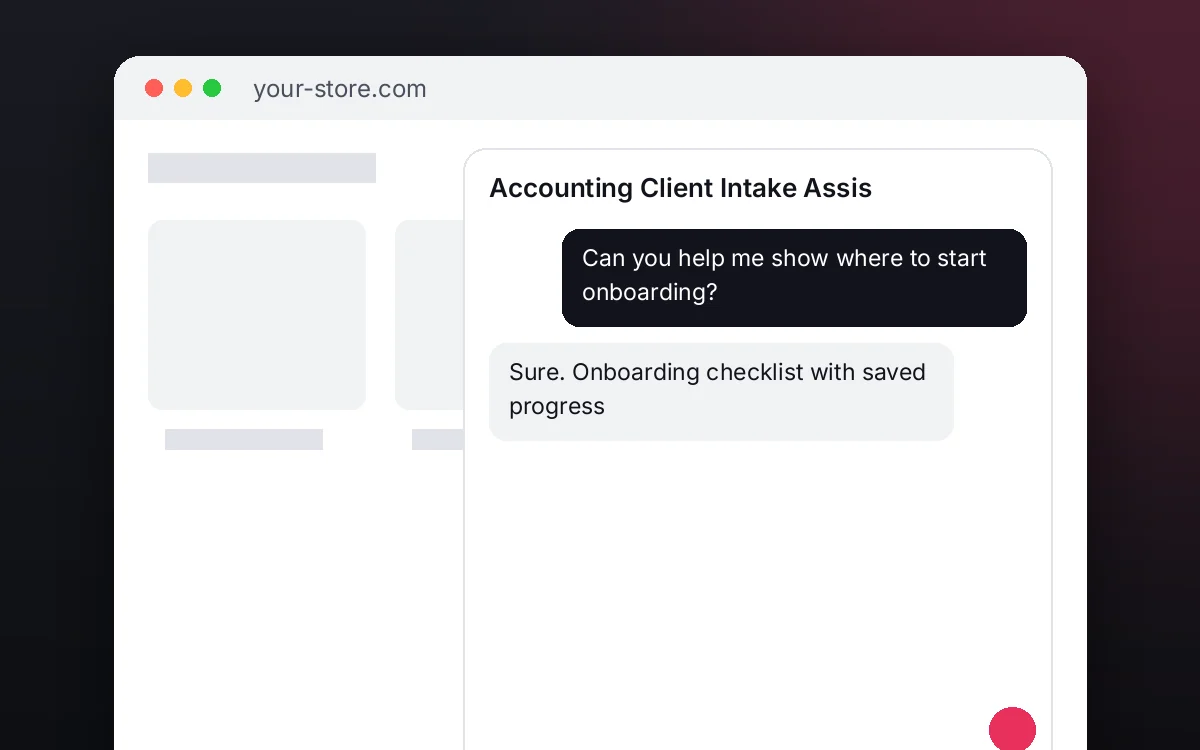
2Converse
The agent answers on your website using your catalog and knowledge base.
 3
3Hand off and log
When a case needs your team it hands it off to a person, and keeps the conversation when the visitor leaves contact details.
What it does and what it connects to
- Onboarding checklist with saved progress
- Exact help on every step
- Never receives passwords by chat
- No tax advice
What the agent can do
- Website chat
- Guided onboarding checklists
- Human handoff
- Knowledge search
- Answers from your knowledge base
Compatibility
- REST API
- Any website
- WooCommerce
- WordPress
What your purchase includes
- Delivery
- ZIP package for local WordPress installation.
Requirements
- WordPress 6+
- AI provider key (OpenRouter, OpenAI, Anthropic, Google or DeepSeek)
- Your onboarding checklist and firm information (knowledge base); CRM / webhook and file upload optional
Before you buy
Does it give tax advice?
No. It guides onboarding; the accountant answers tax questions.
Does it receive tax portal passwords?
Never. Access is set up in the meeting with the accountant.
What do I need to configure?
Your onboarding checklist (steps, help and keywords), your firm's information as the knowledge base, the accountant who receives cases and your AI key. CRM, webhook and file upload are optional.
Where is progress kept?
In your WordPress, per client conversation and for 30 days.
Works well with
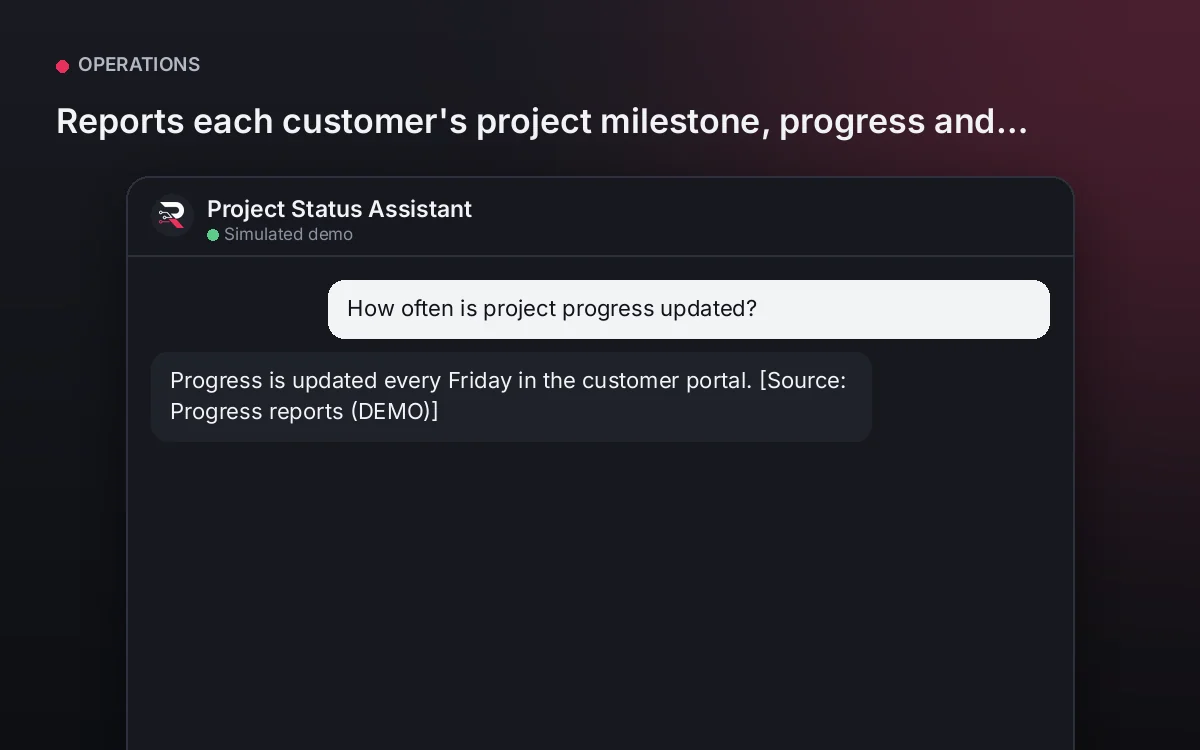
Project Status Assistant
Reports each customer's project milestone, progress and pending approvals, never committing dates.
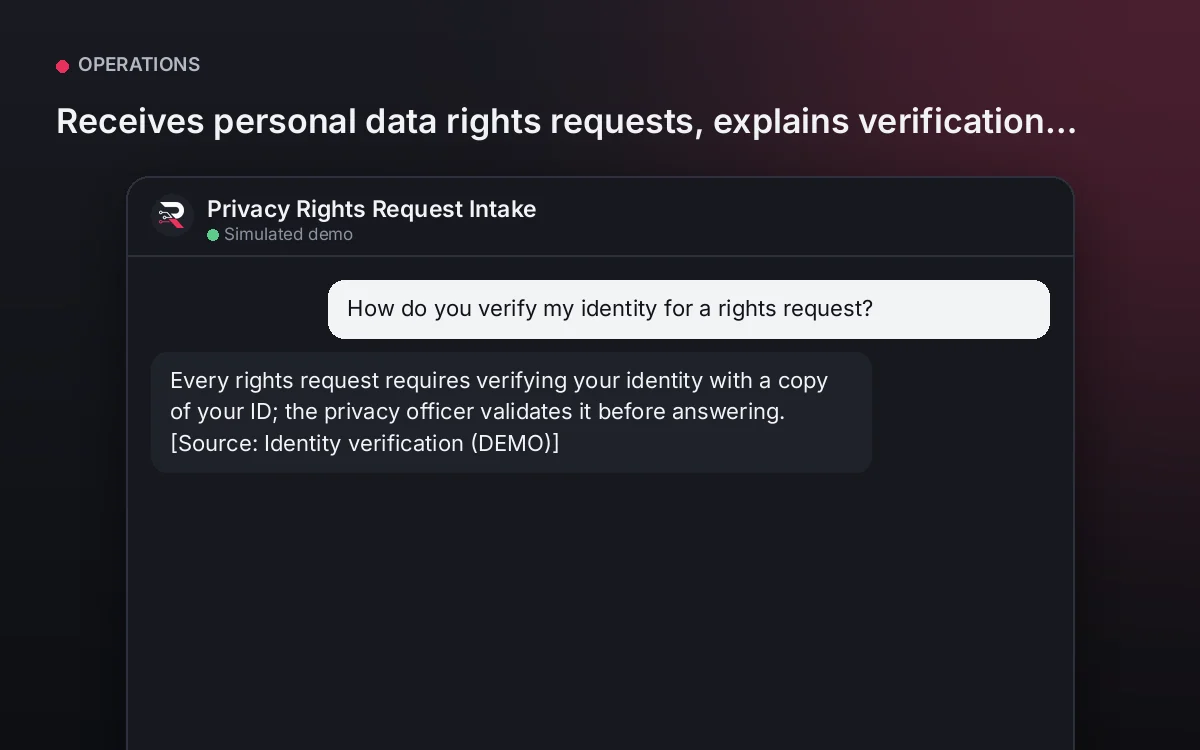
From USD 299.00 / yearView agentPrivacy Rights Request Intake
Receives personal data rights requests, explains verification and times, and routes them without giving out data.
From USD 299.00 / yearView agentMarketplace Seller Onboarding
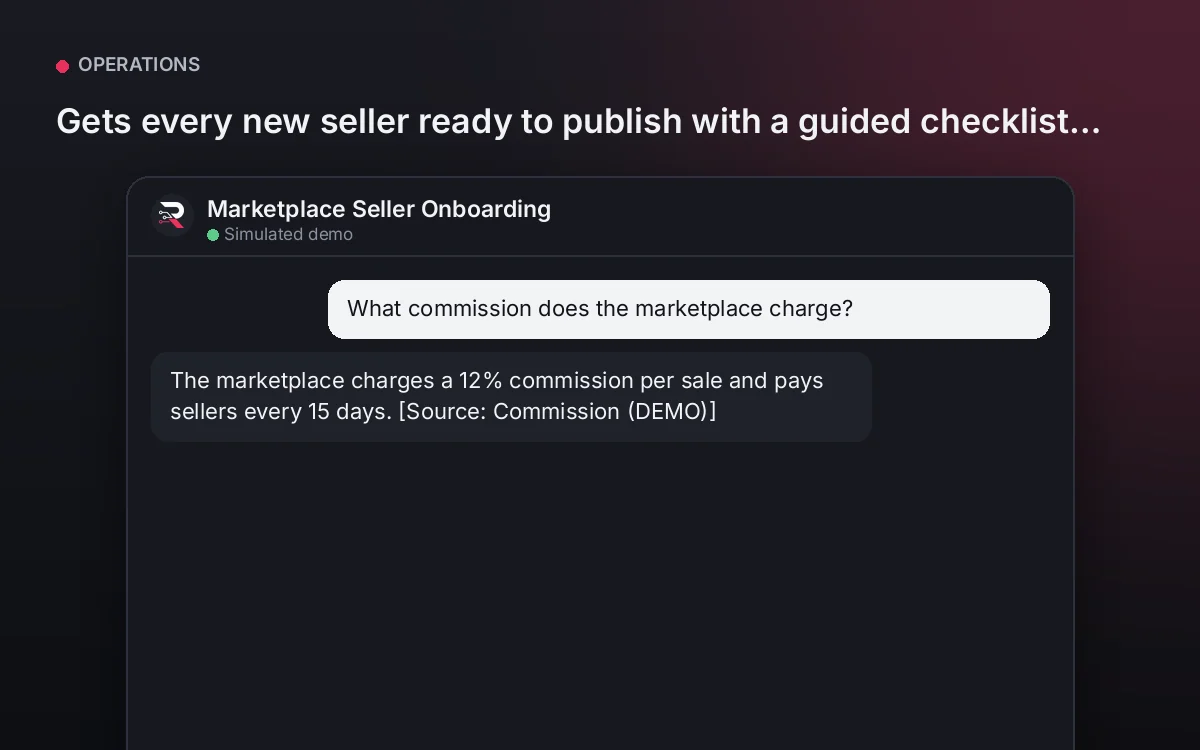
Gets every new seller ready to publish with a guided checklist and your marketplace requirements.
From USD 299.00 / yearView agent
Accounting Client Intake Assistant
Install the plugin, define your onboarding checklist and its help, load the firm's information, connect your AI key and test a full onboarding.
Full product description
Guides your firm's onboarding checklist (company details, engagement letter, returns and books, access and kickoff meeting), records each client's progress and blockers and answers questions from your information. It never gives tax advice or receives passwords; whoever gets stuck or finishes goes to their accountant.