

What this agent can do for your business
- Checks coverageIncluded
- Clear feeIncluded
- Remote optionIncluded
- Routes risks instantlyIncluded
- Answers from your own content: the knowledge base you loadWith your setup
- Checks availability and records booking requestsWith your setup
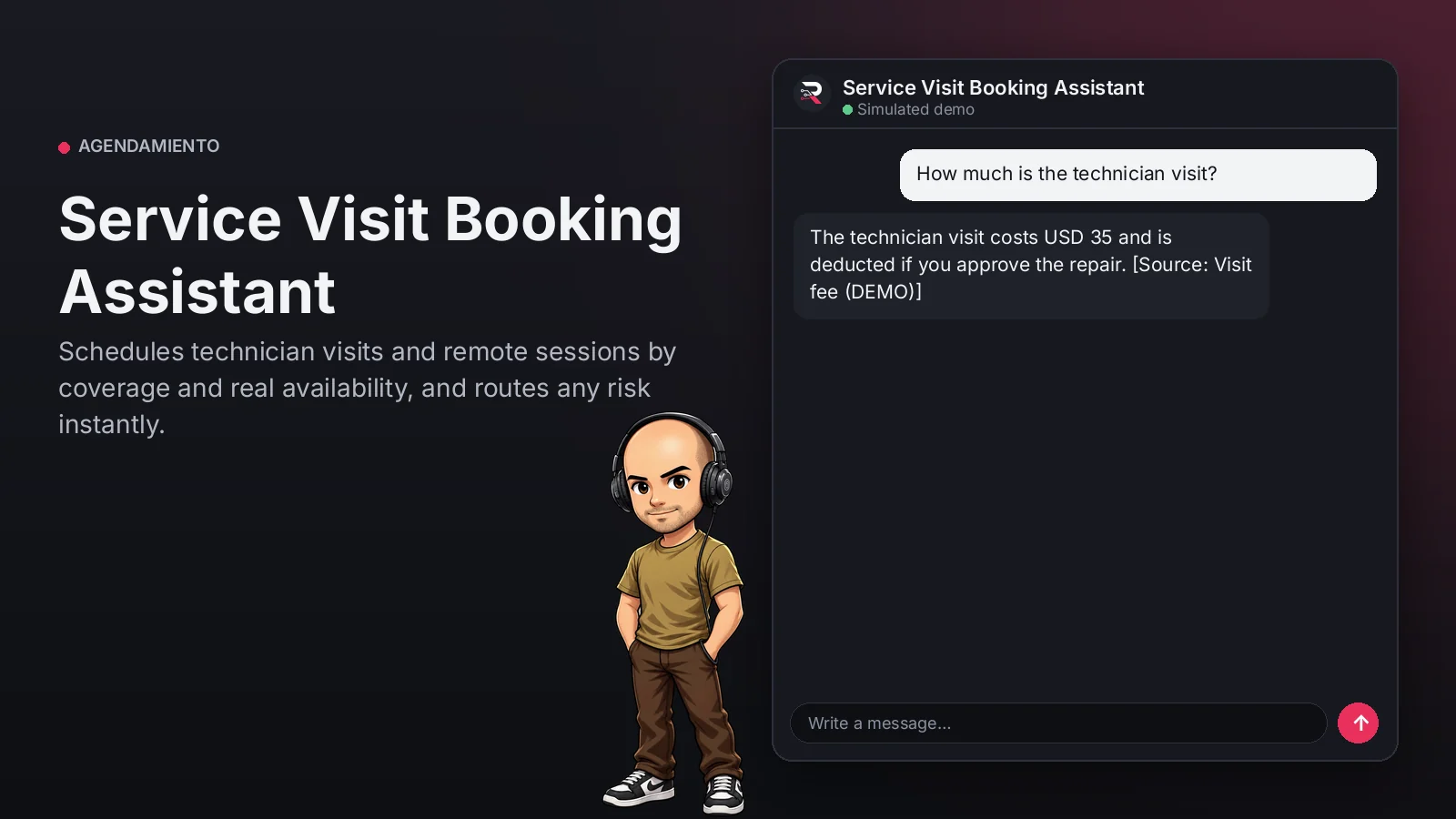
Identifies the service and checks your coverage, states the visit fee or published remote option and...
Service Visit Booking Assistant
Schedules technician visits and remote sessions by coverage and real availability, and routes any risk instantly.
Built for: Technical service companies with field visits
From USD 299.00 / year
Annual access · updates and support during the term
What changes in your business
- Visits booked outside coverage
- Technicians sent to cases solvable remotely
Try Service Visit Booking Assistant
Talk to the agent the way a customer would. It uses demo data and changes no real system.

Hi 👋 I am Service Visit Booking Assistant. I use demo data.
Demo data. It does not change any real system.
From install to the first conversation
 1
1Configure
Enable the plugin in your WordPress, pick your AI provider and load your business context.
 2
2Converse
The agent answers on your website using your catalog and knowledge base.
 3
3Hand off and log
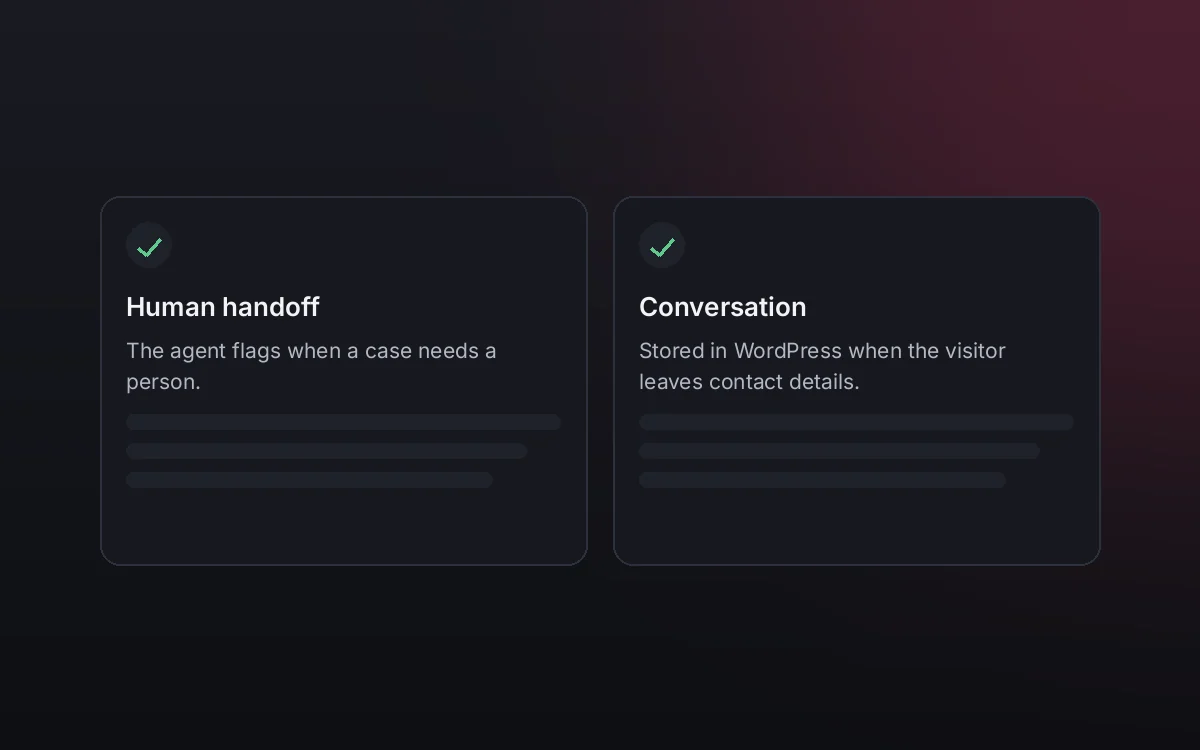
When a case needs your team it hands it off to a person, and keeps the conversation when the visitor leaves contact details.
What it does and what it connects to
- Checks coverage
- Clear fee
- Remote option
- Routes risks instantly
What the agent can do
- Check availability
- Request an appointment
- Website chat
- Human handoff
- Knowledge search
- Answers from your knowledge base
Compatibility
- REST API
- Any website
- WooCommerce
- WordPress
What your purchase includes
- Delivery
- ZIP package for local WordPress installation.
Requirements
- WordPress 6+
- AI provider key (OpenRouter, OpenAI, Anthropic, Google or DeepSeek)
- Availability source (built-in calendar or configured connector); booking rules (knowledge base)
Before you buy
Does it book risky cases?
No. With sparks, smoke or leaks it routes immediately to your team without booking.
How does it know the coverage?
With the areas you publish; outside them it says so and offers to route.
What do I need to configure?
Load your coverage, fees and services as the knowledge base, set who receives routed cases and connect your AI key.
Does it invent answers?
No. It only answers from your approved sources; if something is not documented it says so and routes the case.
Works well with
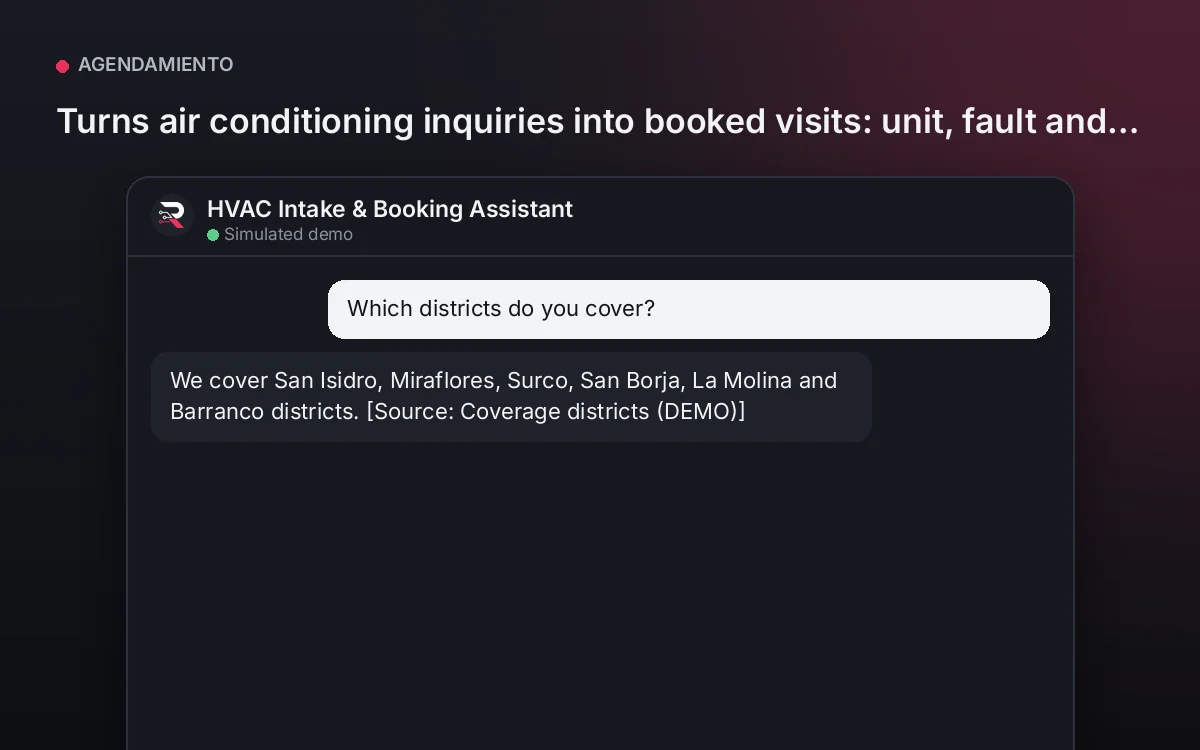
HVAC Intake & Booking Assistant
Turns air conditioning inquiries into booked visits: unit, fault and district clear, and emergencies routed instantly.
From USD 399.00 / yearView agentTraining Booking Assistant
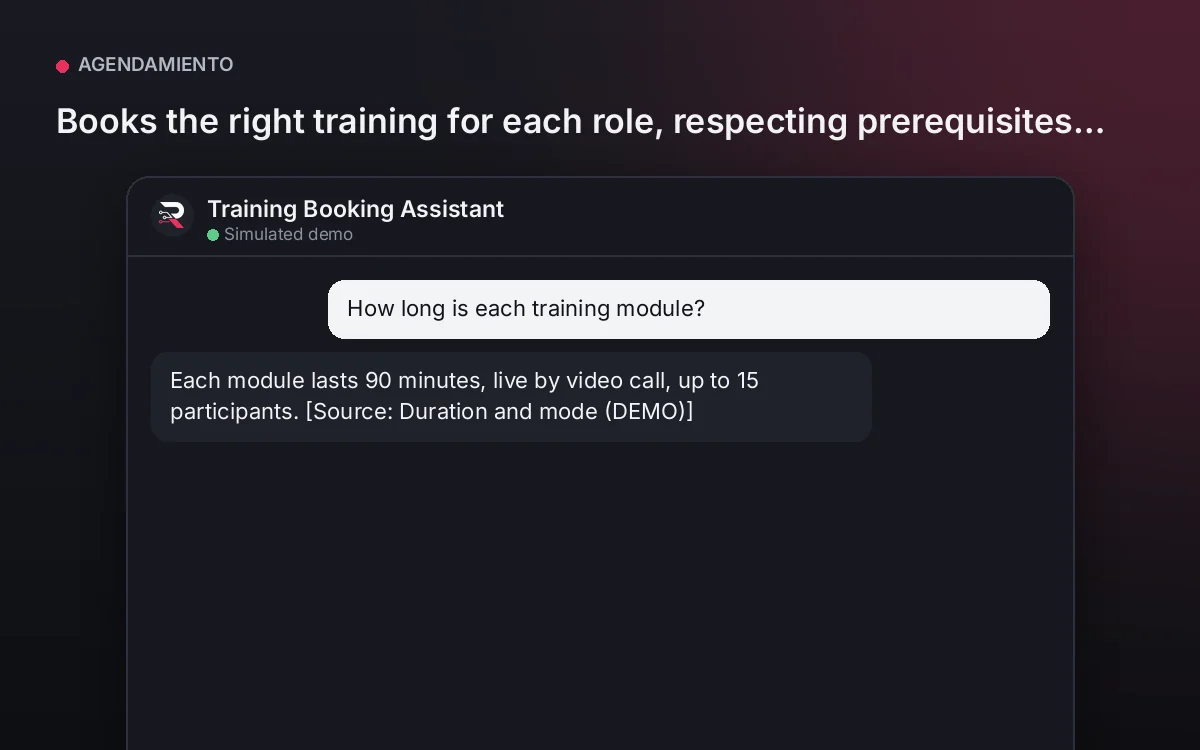
Books the right training for each role, respecting prerequisites and instructors' real availability.
From USD 299.00 / yearView agentSchool Admissions Concierge
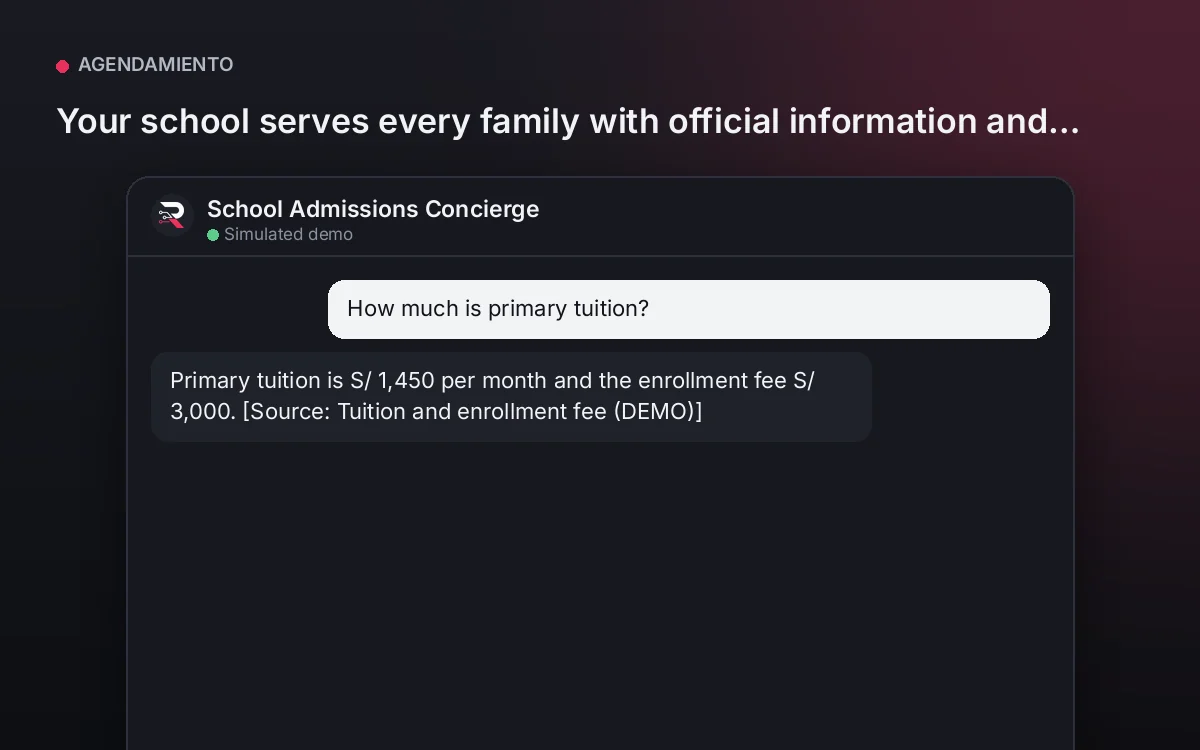
Your school serves every family with official information and fills its guided-visit calendar, without promising admissions.
From USD 399.00 / yearView agent
Service Visit Booking Assistant
Install the plugin, load your coverage, fees and services, set your technicians' availability, connect your AI key and test a real visit.
Full product description
Identifies the service and checks your coverage, states the visit fee or published remote option and shows real availability. It asks for name and address and confirms before registering. With any risk it does not book: it routes immediately to your team.