

What this agent can do for your business
- Classifies the request with your catalogWith your setup
- Guides self-service step by stepIncluded
- Registers with suggested priorityIncluded
- Never promises dates outside the catalogIncluded
- Answers from your own content: the knowledge base you loadWith your setup
- Hands the case to a person on your team when neededWith your setup
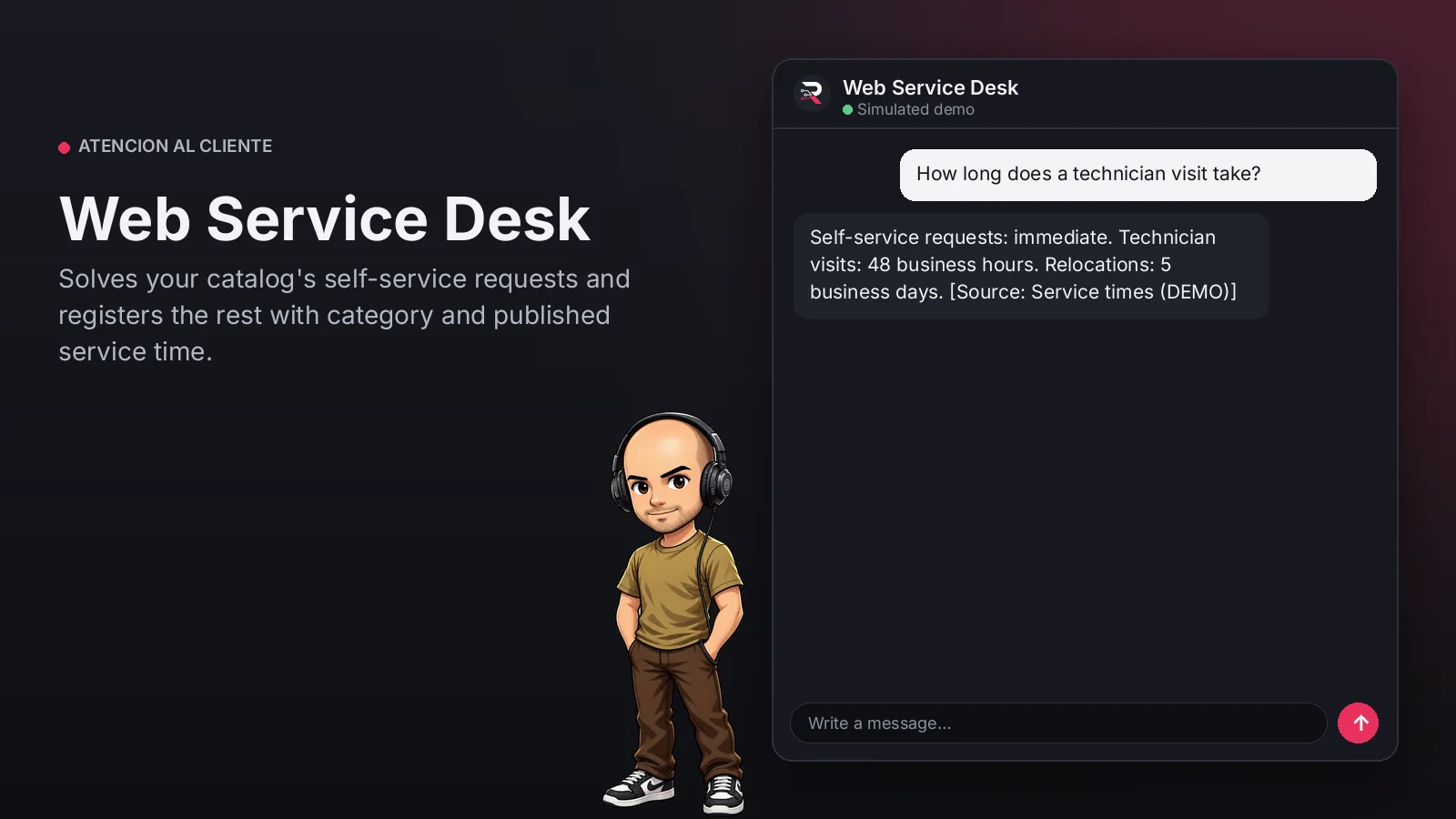
Identifies the request type from your service catalog, guides self-service ones step by step and states...
Web Service Desk
Solves your catalog's self-service requests and registers the rest with category and published service time.
Built for: Service desks of service companies
From USD 199.00 / year
Annual access · updates and support during the term
What changes in your business
- Simple requests that take up the team all day
- Requests without a category that get lost
Try Web Service Desk
Talk to the agent the way a customer would. It uses demo data and changes no real system.

Hi 👋 I am Web Service Desk. I use demo data.
Demo data. It does not change any real system.
From install to the first conversation
 1
1Configure
Enable the plugin in your WordPress, pick your AI provider and load your business context.
 2
2Converse
The agent answers on your website using your catalog and knowledge base.
 3
3Hand off and log
When a case needs your team it hands it off to a person, and keeps the conversation when the visitor leaves contact details.
What it does and what it connects to
- Classifies the request with your catalog
- Guides self-service step by step
- Registers with suggested priority
- Never promises dates outside the catalog
What the agent can do
- Website chat
- Human handoff
- Knowledge search
- Answers from your knowledge base
Compatibility
- REST API
- Any website
- WooCommerce
- WordPress
What your purchase includes
- Delivery
- ZIP package for local WordPress installation.
Requirements
- WordPress 6+
- AI provider key (OpenRouter, OpenAI, Anthropic, Google or DeepSeek)
- Your service catalog and service times (knowledge base); ticketing integration optional
Before you buy
Which requests does it solve on its own?
Those with a self-service procedure in your catalog; it registers the rest for your team.
Where are requests stored?
In the WordPress operations panel with category and suggested priority. Connecting your ticketing tool is optional.
What do I need to configure?
Load your service catalog and service times as the knowledge base, set who receives routed cases and connect your AI key.
Does it invent answers?
No. It only answers from your approved sources; if something is not documented it says so and routes the case.
Works well with
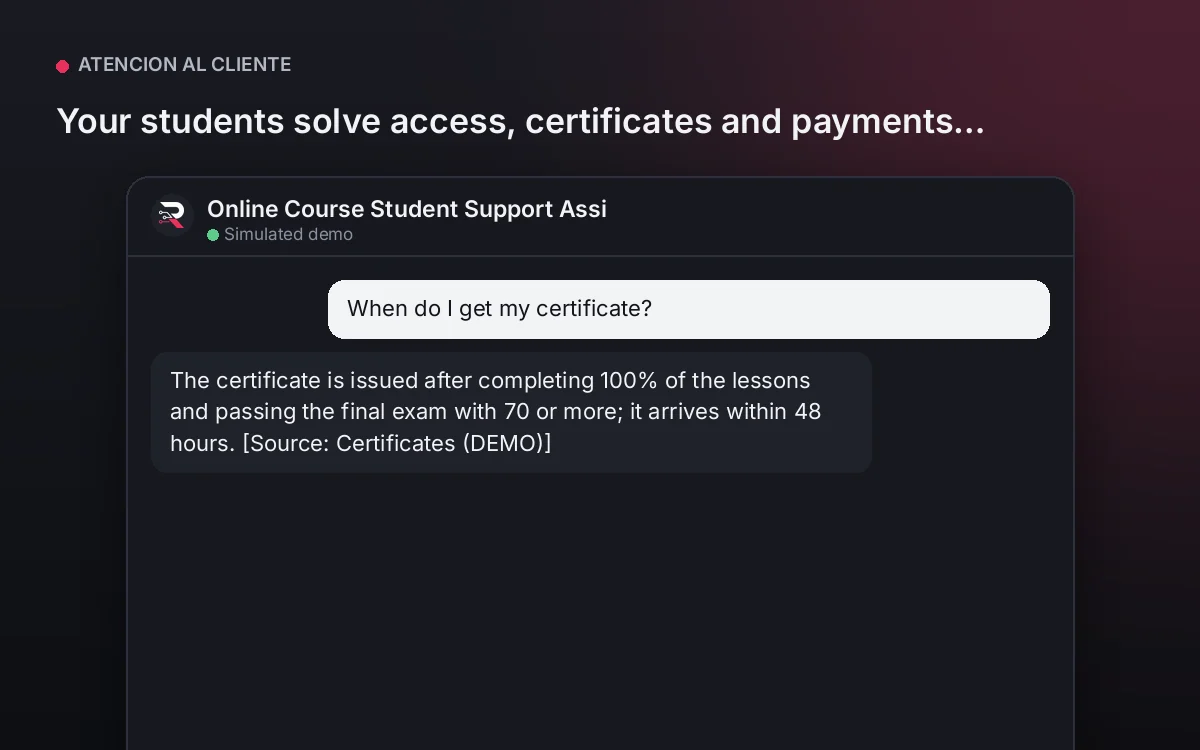
Online Course Student Support Assistant
Your students solve access, certificates and payments instantly, and your team gets only real cases.
From USD 299.00 / yearView agentTechnical Support Agent
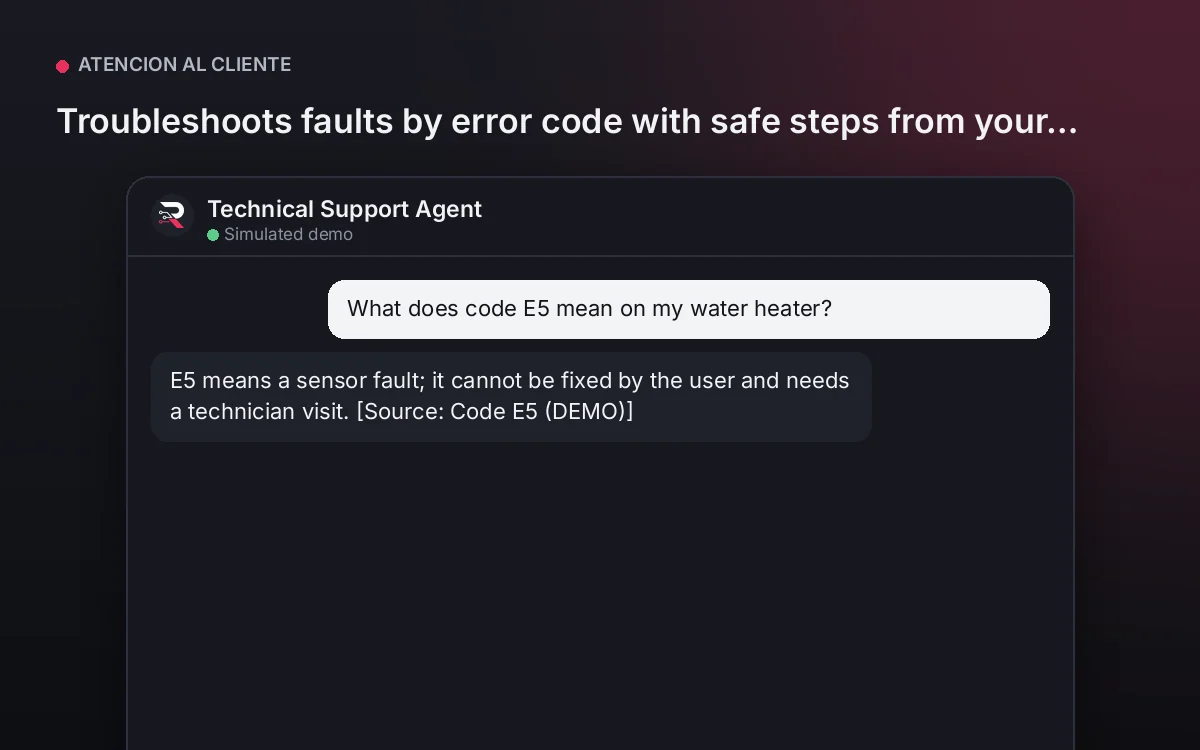
Troubleshoots faults by error code with safe steps from your guides and routes to a technician with the full history.
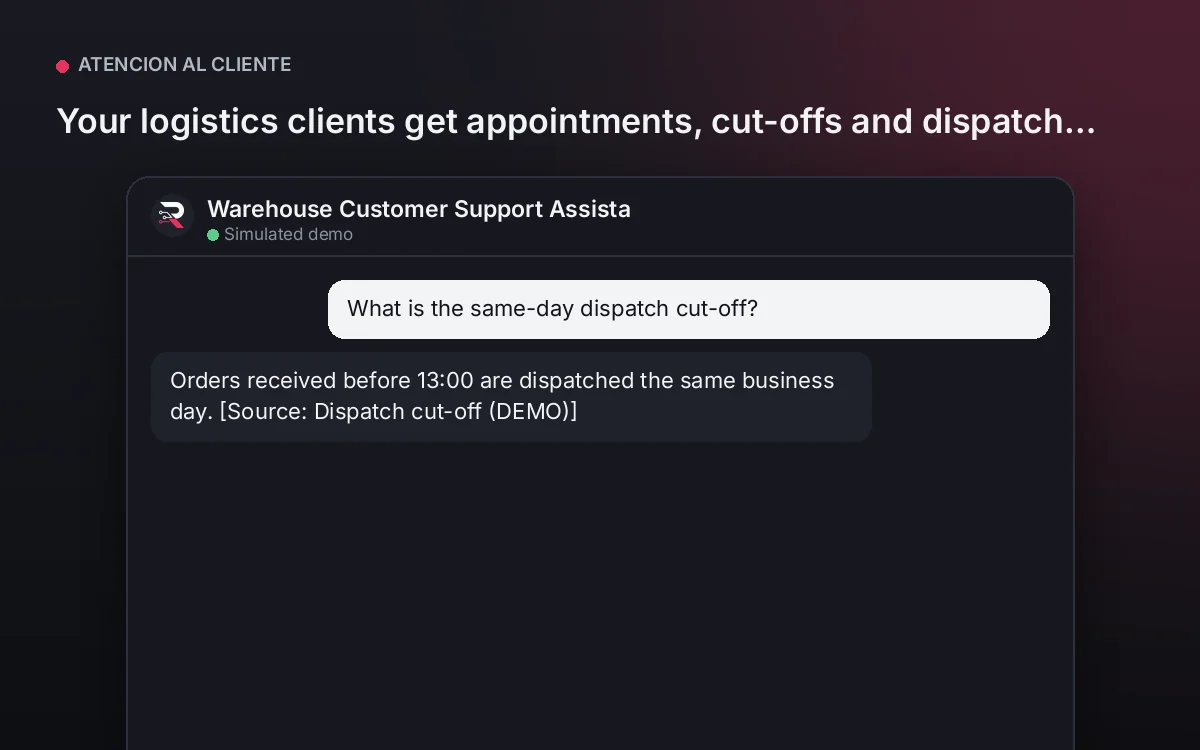
From USD 199.00 / yearView agentWarehouse Customer Support Assistant
Your logistics clients get appointments, cut-offs and dispatch answers instantly, and incidents reach operations complete.
From USD 299.00 / yearView agent
Web Service Desk
Install the plugin, load your service catalog and times, set the team receiving requests, connect your AI key and test a real request.
Full product description
Identifies the request type from your service catalog, guides self-service ones step by step and states the published service times. Those that need the team are registered with category, description and suggested priority, once. It never invents services or dates.