

What this agent can do for your business
- Extracts each receipt's dataIncluded
- Flags invalid onesIncluded
- Recalls the deadlineIncluded
- Never approves expensesIncluded
- Answers from your own content: the knowledge base you loadWith your setup
- Cites the source of every answerIncluded
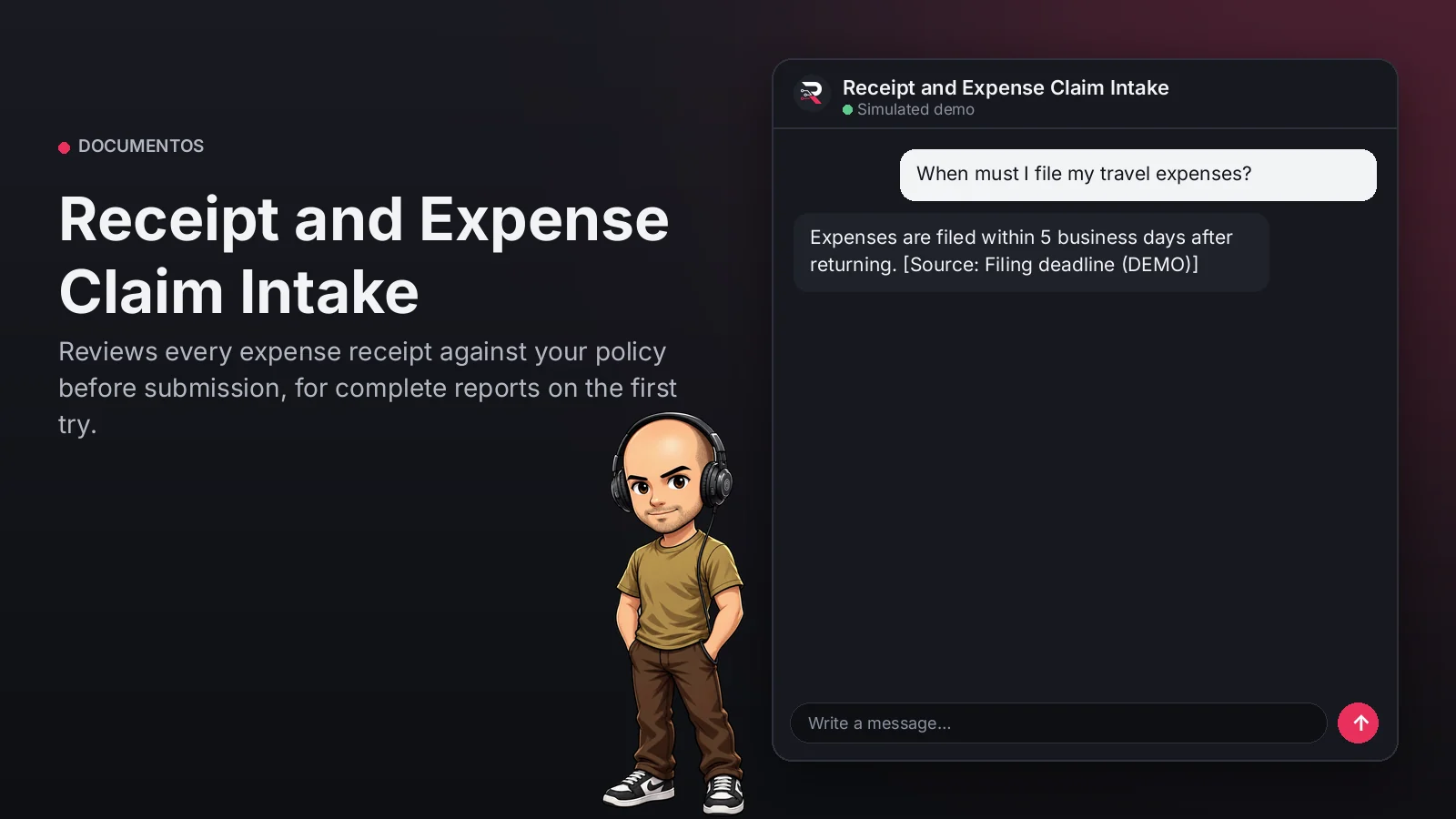
Extracts date, issuer, amount and category from each receipt in the report and flags those that...
Receipt and Expense Claim Intake
Reviews every expense receipt against your policy before submission, for complete reports on the first try.
Built for: Finance and expense control teams
From USD 399.00 / year
Annual access · updates and support during the term
What changes in your business
- Reports returned over one invalid receipt
- Manual review of every receipt
Try Receipt and Expense Claim Intake
Talk to the agent the way a customer would. It uses demo data and changes no real system.

Hi 👋 I am Receipt and Expense Claim Intake. I use demo data.
Demo data. It does not change any real system.
From install to the first conversation
 1
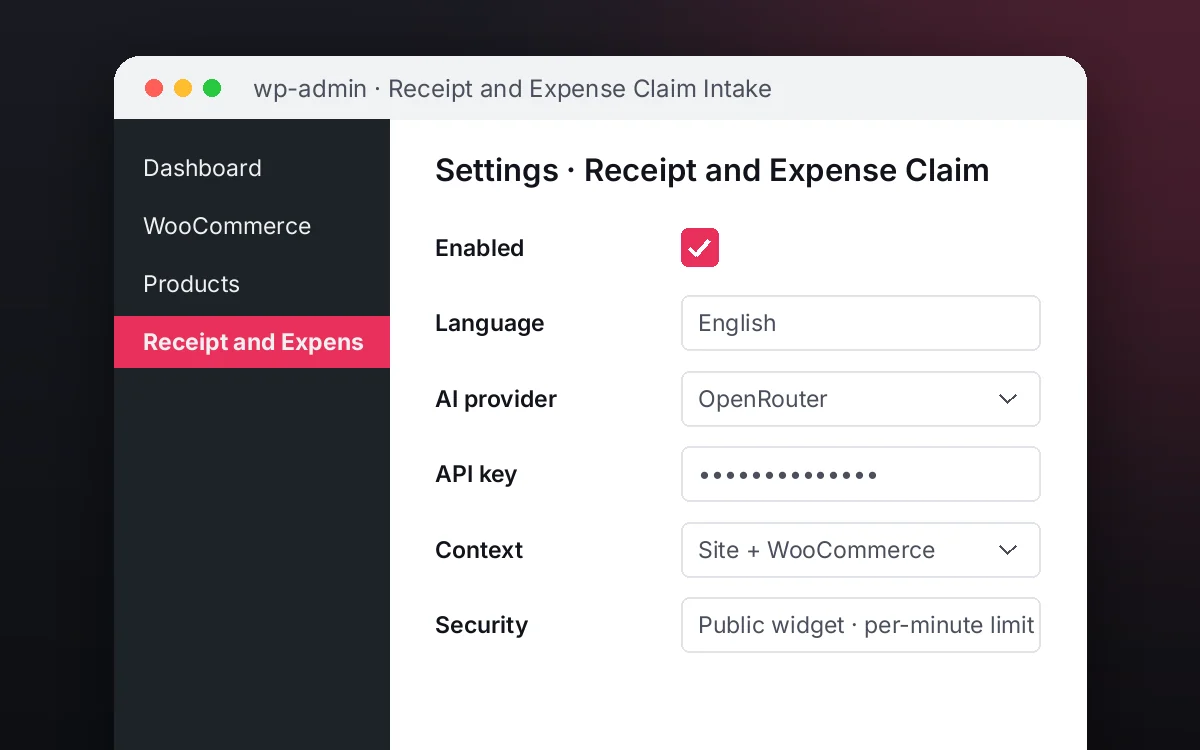
1Configure
Enable the plugin in your WordPress, pick your AI provider and load your business context.
 2
2Converse
The agent answers on your website using your catalog and knowledge base.
 3
3Hand off and log
When a case needs your team it hands it off to a person, and keeps the conversation when the visitor leaves contact details.
What it does and what it connects to
- Extracts each receipt's data
- Flags invalid ones
- Recalls the deadline
- Never approves expenses
What the agent can do
- Website chat
- Answers with sources
- Read invoices and documents
- Find documents
- Human handoff
- Answers from your knowledge base
- Check required documents
- Extract data from documents
Compatibility
- REST API
- Any website
- WooCommerce
- WordPress
What your purchase includes
- Delivery
- ZIP package for local WordPress installation.
Requirements
- WordPress 6+
- AI provider key (OpenRouter, OpenAI, Anthropic, Google or DeepSeek)
- Required documents and fields (configured); process guide (knowledge base)
Before you buy
Does it approve reimbursements?
No. It reviews receipts; finance performs approval and reimbursement.
Can it use my expense categories?
Yes, configure your categories and rules in the policy.
What do I need to configure?
Load your expense reporting policy as the knowledge base, set who receives routed cases and connect your AI key.
Does it invent answers?
No. It only answers from your approved sources; if something is not documented it says so and routes the case.
Works well with
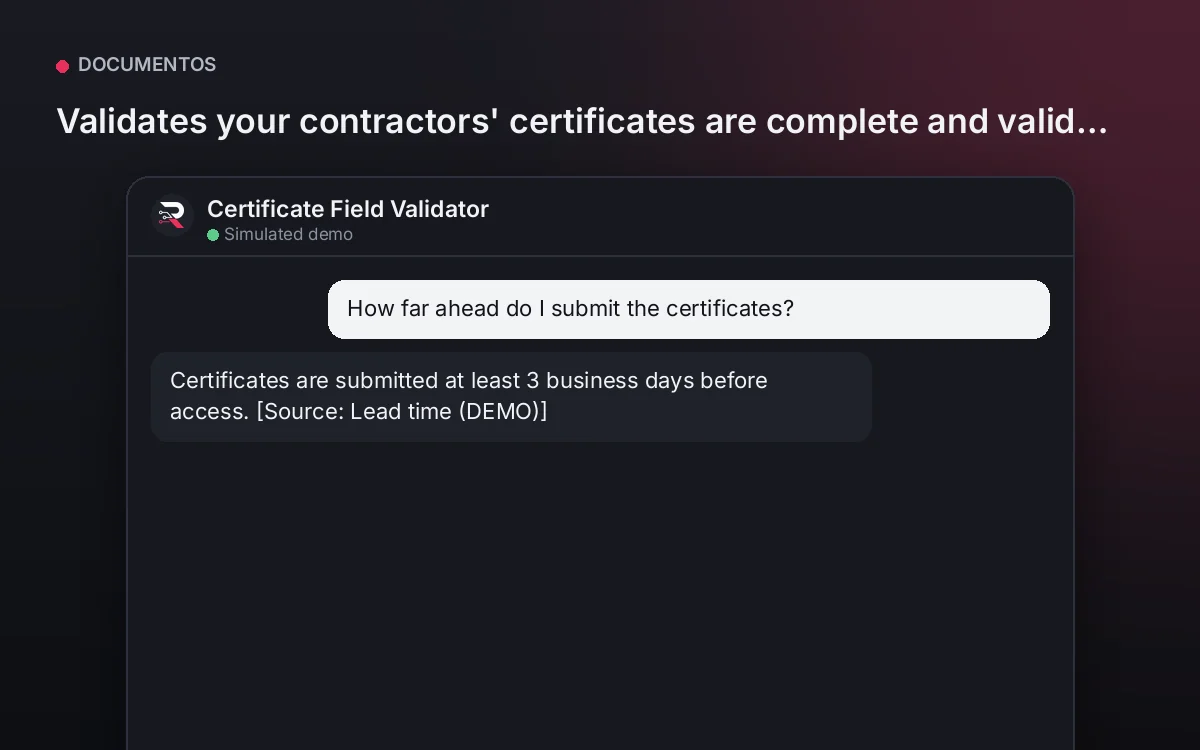
Certificate Field Validator
Validates your contractors' certificates are complete and valid before access, never authorizing entry.
From USD 399.00 / yearView agentTender / Bid Document Assistant
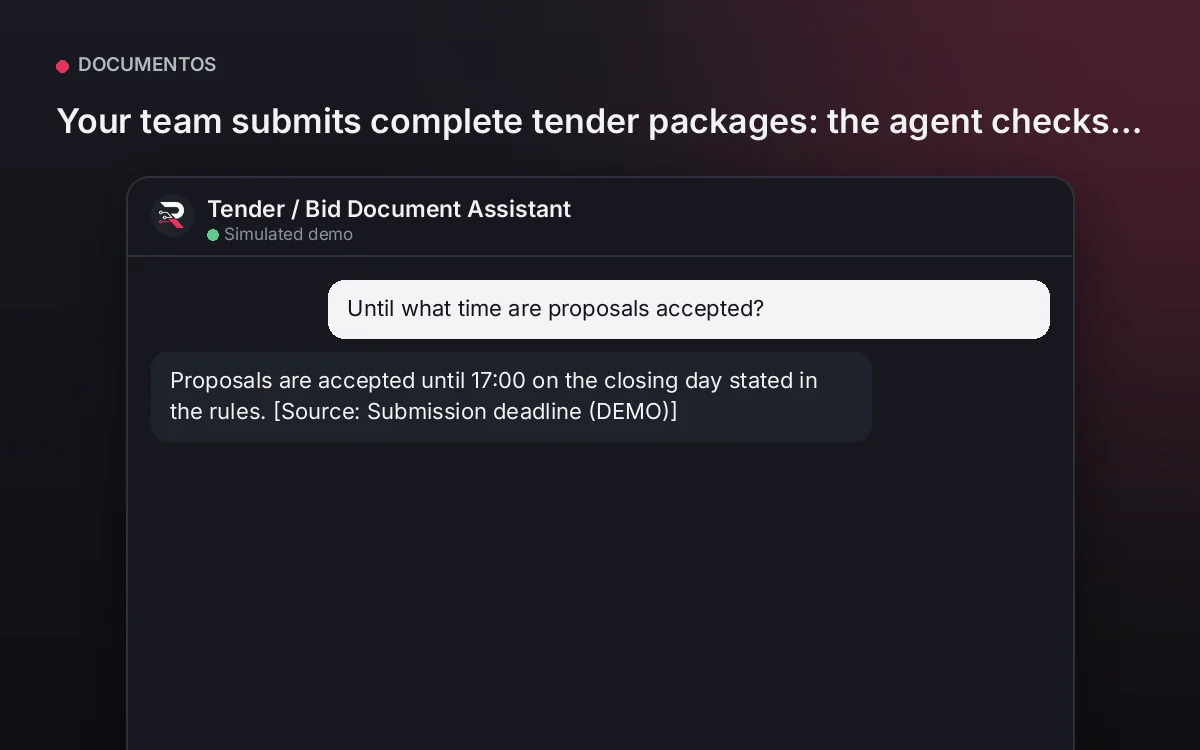
Your team submits complete tender packages: the agent checks documents, data and expiries before the deadline.
From USD 399.00 / yearView agentDiagnostic Imaging Intake Assistant
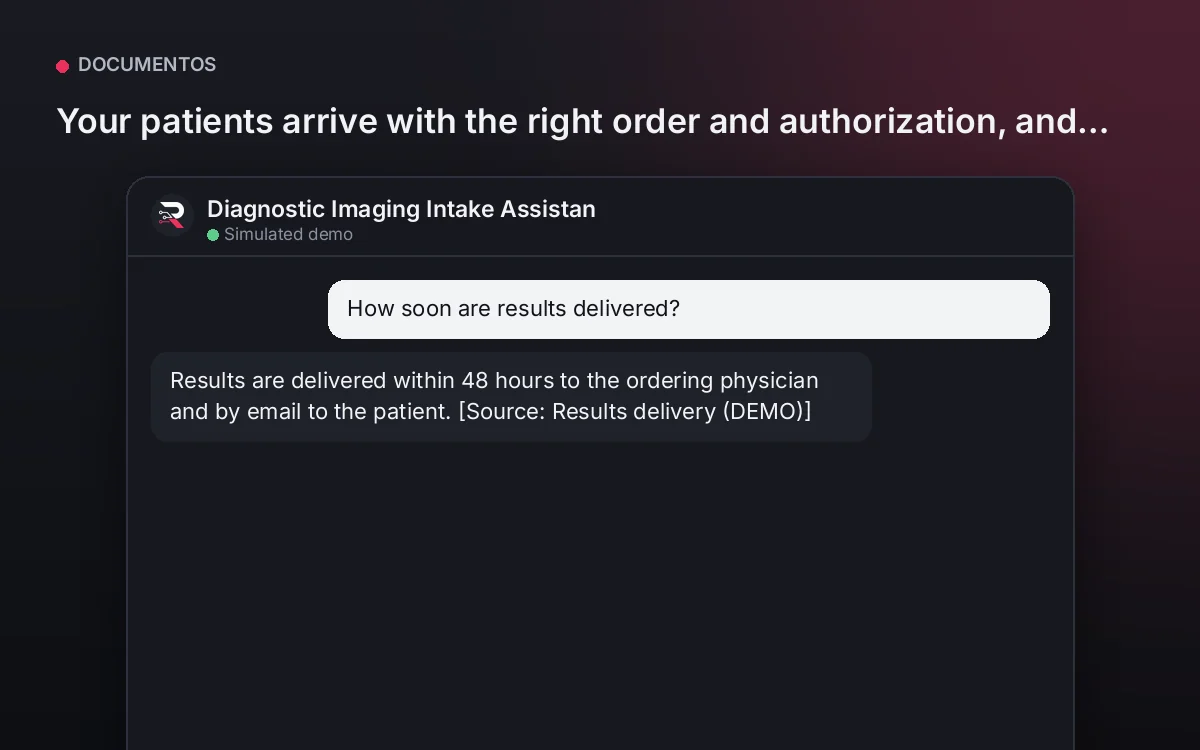
Your patients arrive with the right order and authorization, and admissions books without last-minute rejections.
From USD 399.00 / yearView agent
Receipt and Expense Claim Intake
Install the plugin, configure receipt fields and your categories, load your expense policy, connect your AI key and test with sample receipts.
Full product description
Extracts date, issuer, amount and category from each receipt in the report and flags those that do not meet your policy, such as tickets without tax data or late expenses. It answers the policy from your guide. It never approves or reimburses: it leaves the report ready for finance.