

What this agent can do for your business
- Key technical dataIncluded
- Published capabilitiesIncluded
- Guided drawing submissionIncluded
- Never quotes pricesIncluded
- Answers from your own content: the knowledge base you loadWith your setup
- Hands the case to a person on your team when neededWith your setup
Asks part and material, quantity and required date, states how to send the drawing and answers...
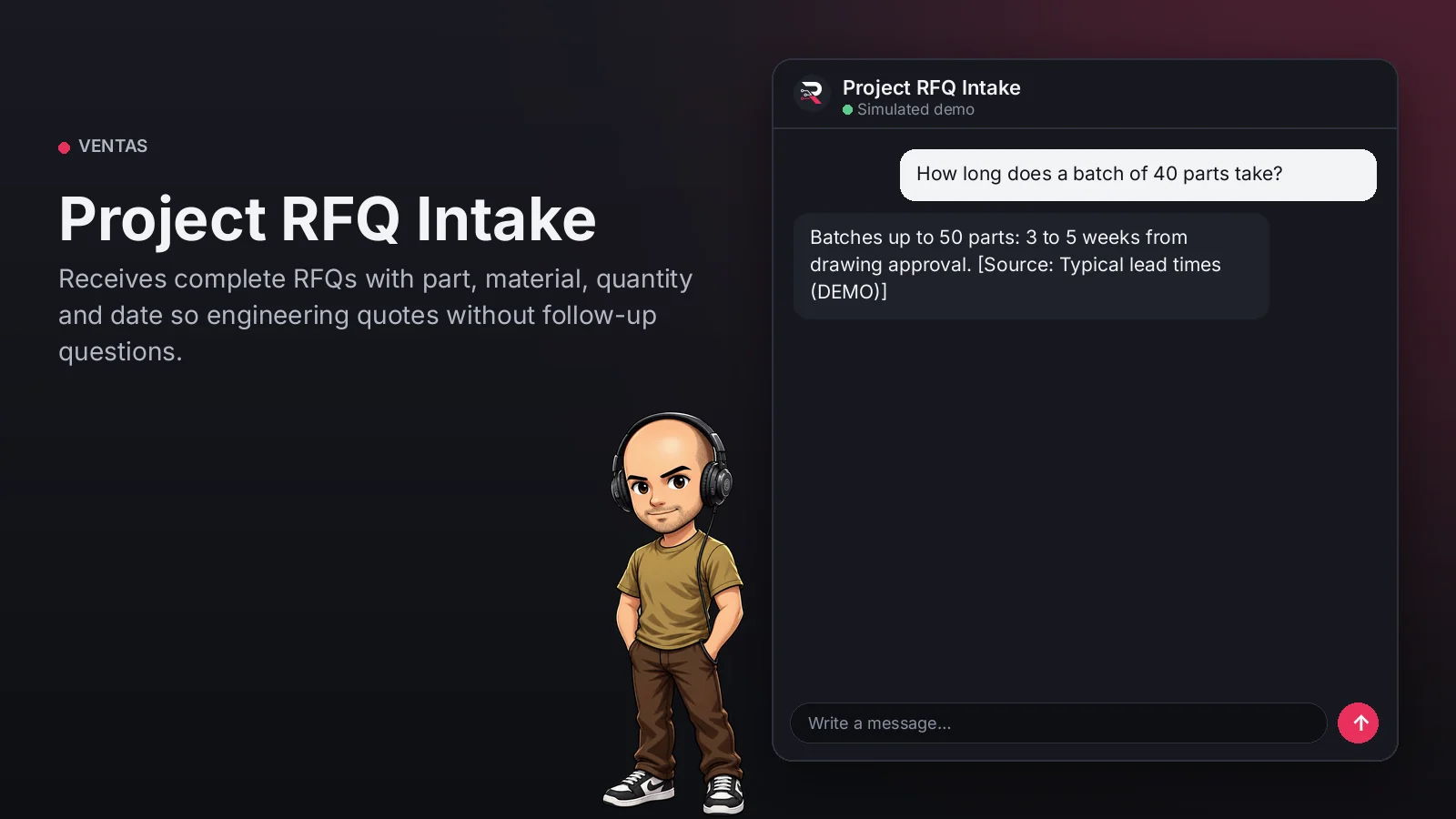
Project RFQ Intake
Receives complete RFQs with part, material, quantity and date so engineering quotes without follow-up questions.
Built for: B2B industrial shops and manufacturers
From USD 299.00 / year
Annual access · updates and support during the term
What changes in your business
- Incomplete RFQs returned by engineering
- Buyers unsure whether the shop can make the part
Try Project RFQ Intake
Talk to the agent the way a customer would. It uses demo data and changes no real system.

Hi 👋 I am Project RFQ Intake. I use demo data.
Demo data. It does not change any real system.
From install to the first conversation
 1
1Configure
Enable the plugin in your WordPress, pick your AI provider and load your business context.
 2
2Converse
The agent answers on your website using your catalog and knowledge base.
 3
3Hand off and log
When a case needs your team it hands it off to a person, and keeps the conversation when the visitor leaves contact details.
What it does and what it connects to
- Key technical data
- Published capabilities
- Guided drawing submission
- Never quotes prices
What the agent can do
- Website chat
- Human handoff
- Knowledge search
- Capture contacts
- Answers from your knowledge base
Compatibility
- REST API
- Any website
- WooCommerce
- WordPress
What your purchase includes
- Delivery
- ZIP package for local WordPress installation.
Requirements
- WordPress 6+
- AI provider key (OpenRouter, OpenAI, Anthropic, Google or DeepSeek)
- Published rates or price grid (knowledge base); CRM optional
Before you buy
Does it quote prices?
No. It structures the RFQ and sends it to engineering, which quotes and confirms timelines.
Does it receive drawings?
It states the published channel to send them; drawings are not uploaded through the chat.
What do I need to configure?
Load your capabilities, materials and lead times as the knowledge base, set who receives routed cases and connect your AI key.
Does it invent answers?
No. It only answers from your approved sources; if something is not documented it says so and routes the case.
Works well with
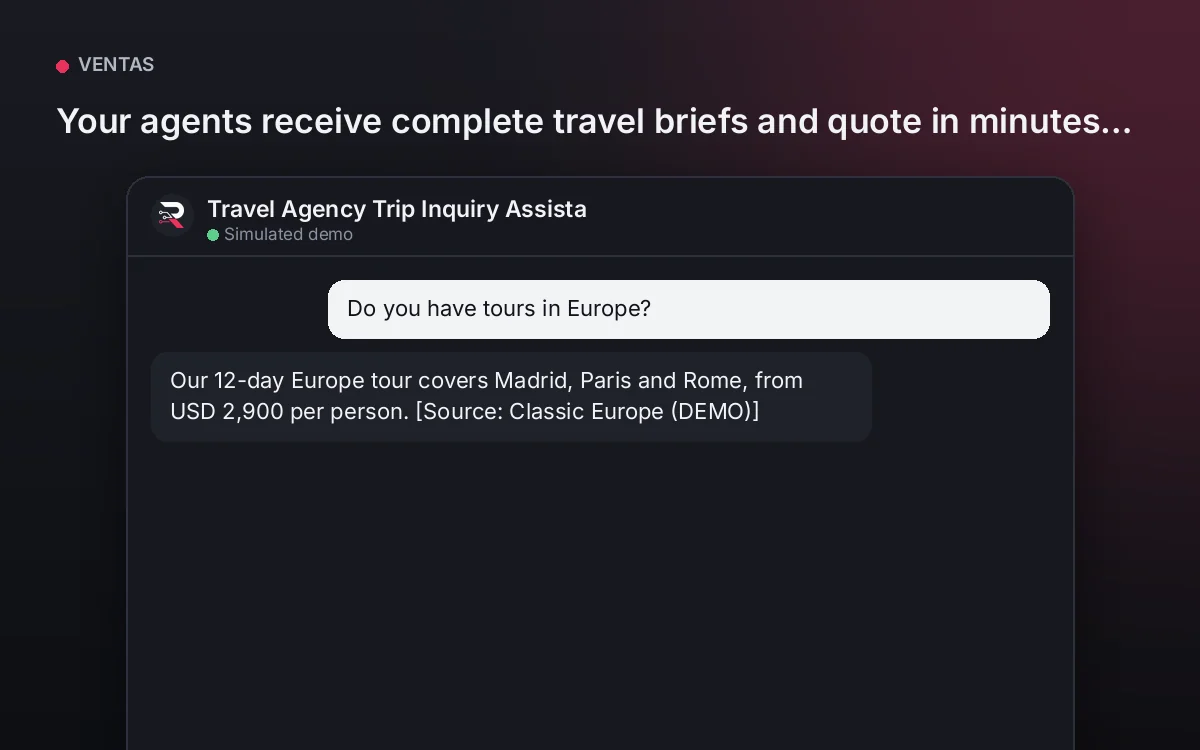
Travel Agency Trip Inquiry Assistant
Your agents receive complete travel briefs and quote in minutes, without chasing data on WhatsApp.
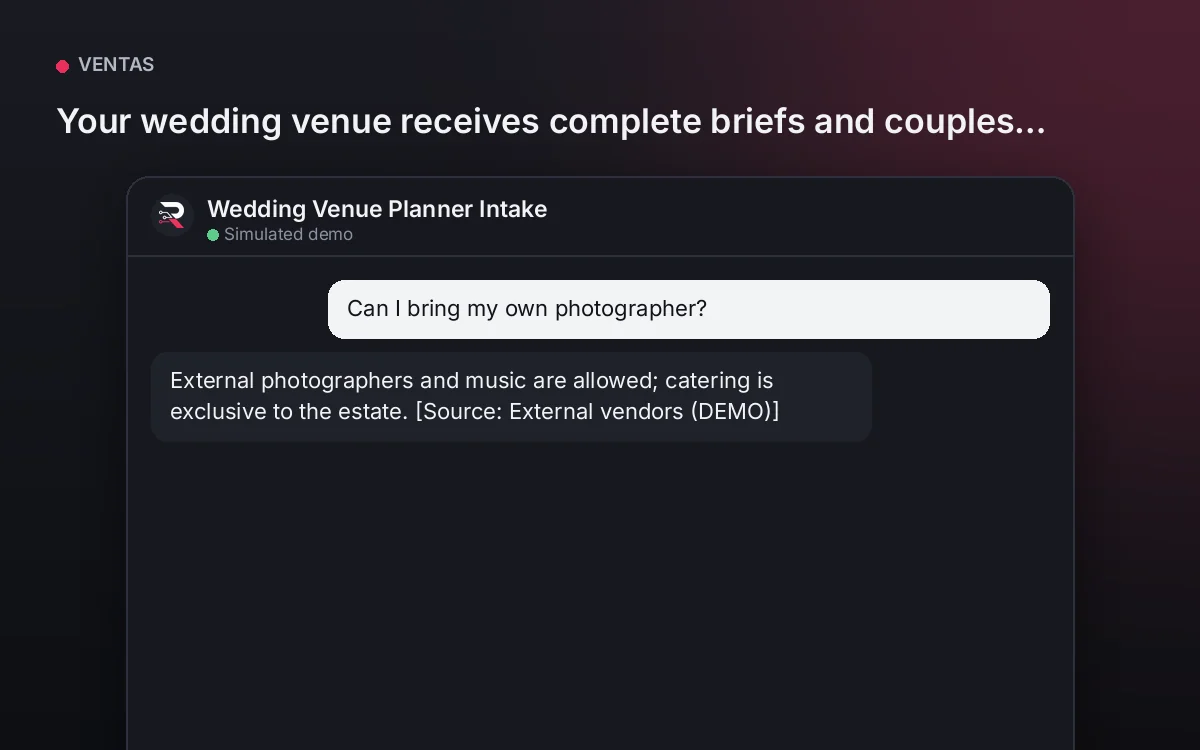
From USD 299.00 / yearView agentWedding Venue Planner Intake
Your wedding venue receives complete briefs and couples ready for the visit, without confirming dates by mistake.
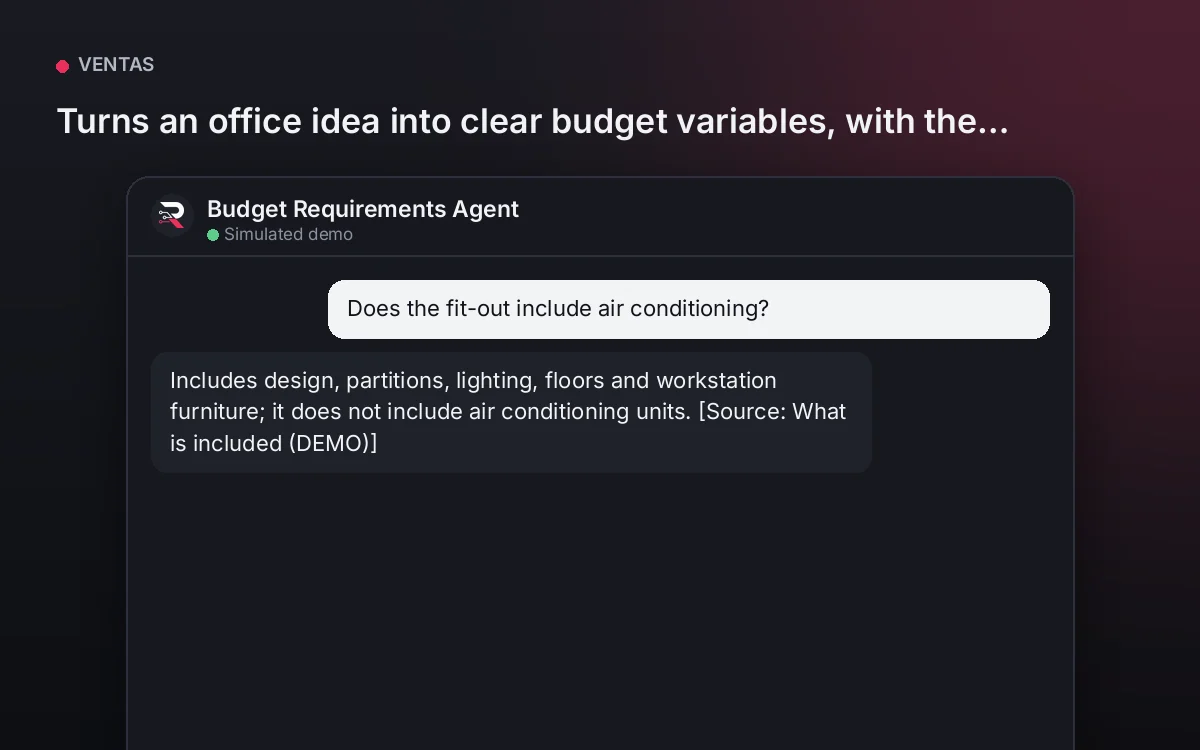
From USD 299.00 / yearView agentBudget Requirements Agent
Turns an office idea into clear budget variables, with the published range and no fixed prices.
From USD 299.00 / yearView agent
Project RFQ Intake
Install the plugin, load your capabilities, materials and lead times, set the engineering email, connect your AI key and test a real RFQ.
Full product description
Asks part and material, quantity and required date, states how to send the drawing and answers your published capabilities, materials and lead times. It records the RFQ with consent for your engineering team. It never quotes prices or confirms timelines.