

What this agent can do for your business
- Real status by numberIncluded
- Payment date if anyIncluded
- Flag reasonIncluded
- Never changes datesIncluded
- Answers from your own content: the knowledge base you loadWith your setup
- Hands the case to a person on your team when neededWith your setup
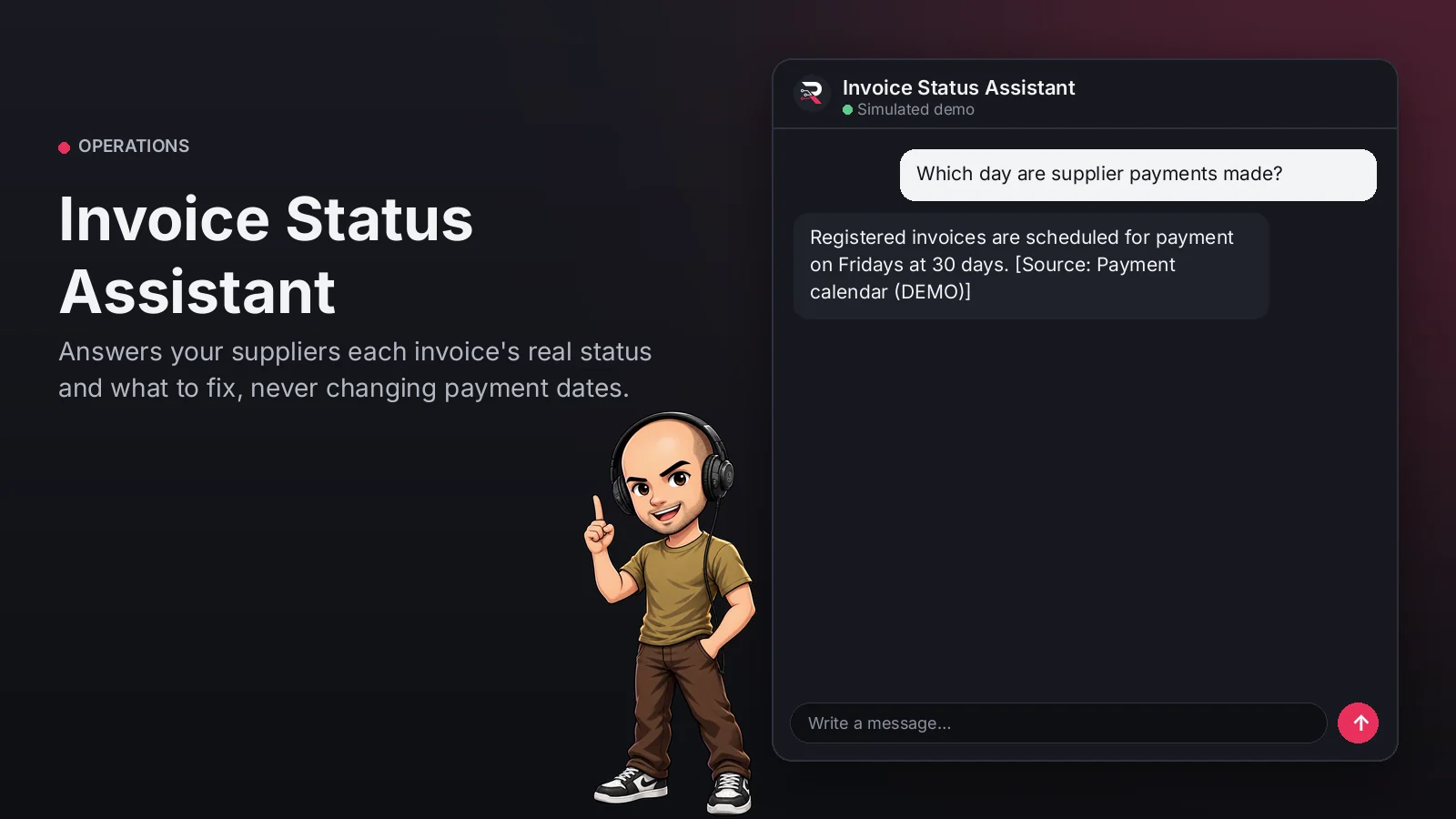
With the invoice number it looks up your record and answers whether it is registered, scheduled...
Invoice Status Assistant
Answers your suppliers each invoice's real status and what to fix, never changing payment dates.
Built for: Accounts payable teams with many suppliers
From USD 299.00 / year
Annual access · updates and support during the term
What changes in your business
- Suppliers calling every week about payment
- Flagged invoices nobody fixes
Try Invoice Status Assistant
Talk to the agent the way a customer would. It uses demo data and changes no real system.

Hi 👋 I am Invoice Status Assistant. I use demo data.
Demo data. It does not change any real system.
From install to the first conversation
 1
1Configure
Enable the plugin in your WordPress, pick your AI provider and load your business context.
 2
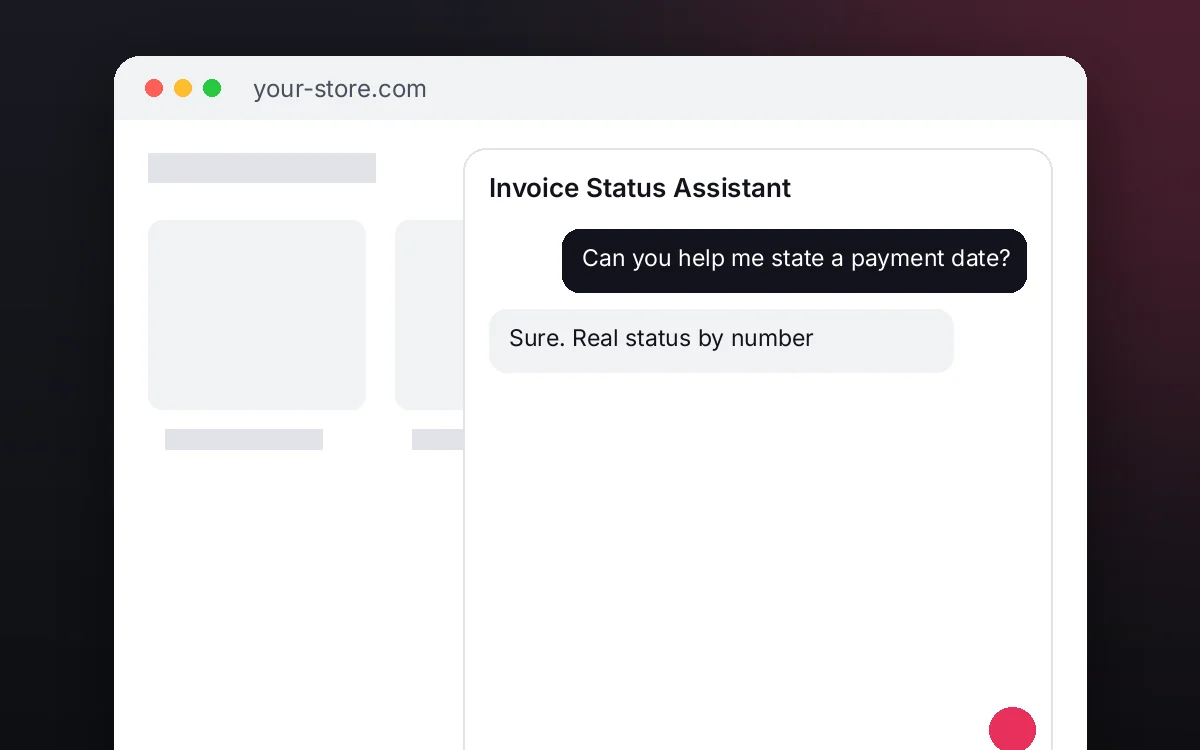
2Converse
The agent answers on your website using your catalog and knowledge base.
 3
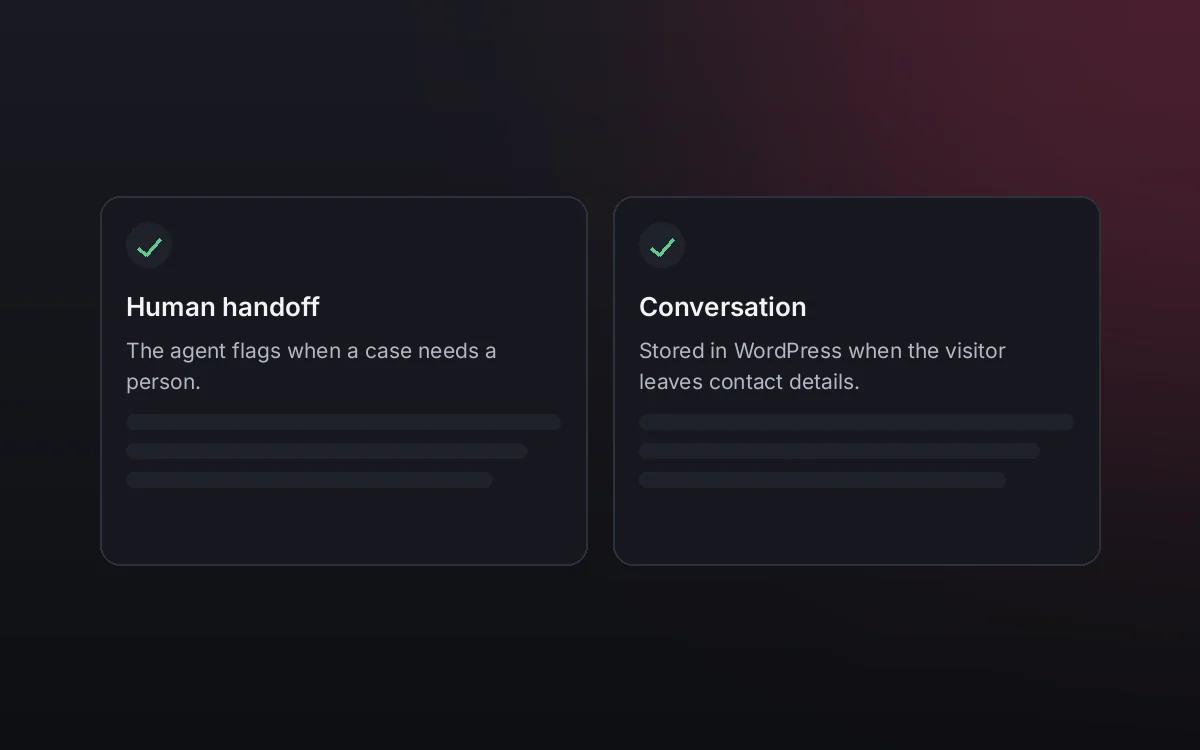
3Hand off and log
When a case needs your team it hands it off to a person, and keeps the conversation when the visitor leaves contact details.
What it does and what it connects to
- Real status by number
- Payment date if any
- Flag reason
- Never changes dates
What the agent can do
- Website chat
- Human handoff
- Knowledge search
- Answers from your knowledge base
- Check request status
Compatibility
- REST API
- Any website
- WooCommerce
- WordPress
What your purchase includes
- Delivery
- ZIP package for local WordPress installation.
Requirements
- WordPress 6+
- AI provider key (OpenRouter, OpenAI, Anthropic, Google or DeepSeek)
- Status source (built-in records or configured connector with mapped fields); status guide (knowledge base)
Before you buy
Can it bring a payment forward?
No. It states the record's date; accounts payable decides changes.
Where does it read the status?
From the built-in record or your connected ERP with its field mapping; without a connection it answers that configuration is required.
What do I need to configure?
Load your invoice status guide as the knowledge base, set who receives routed cases and connect your AI key.
Does it invent answers?
No. It only answers from your approved sources; if something is not documented it says so and routes the case.
Works well with
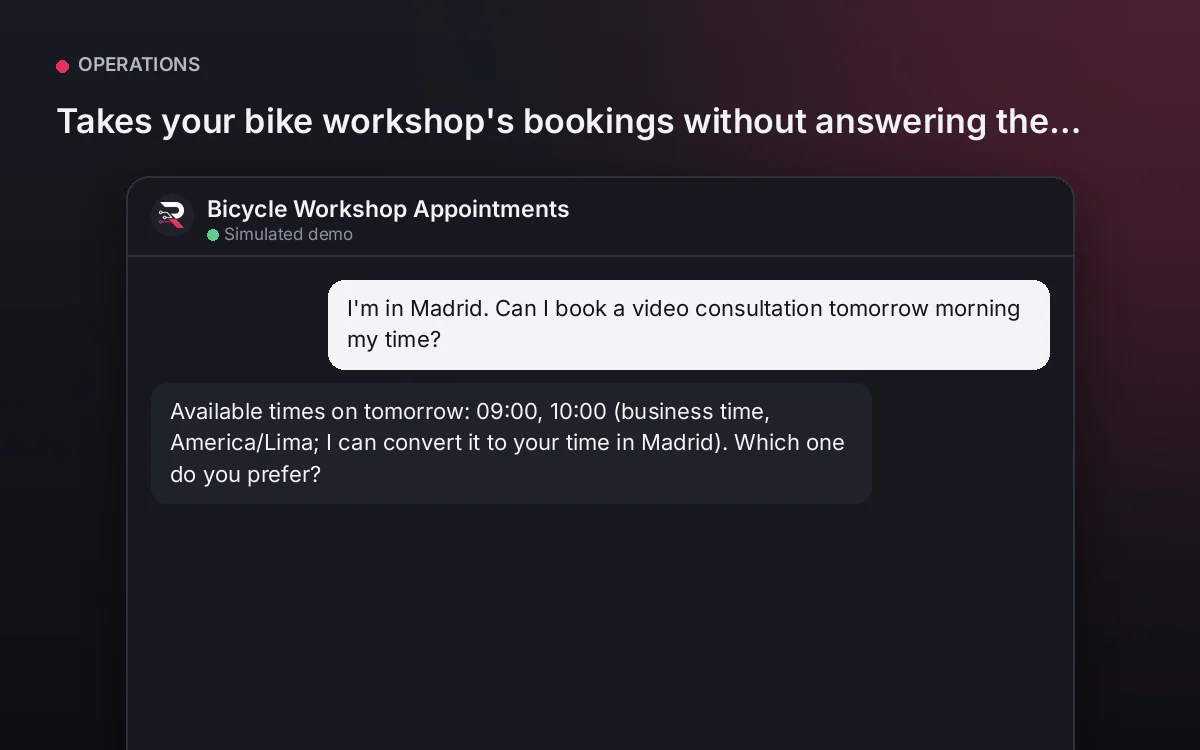
Bicycle Workshop Appointments
Takes your bike workshop's bookings without answering the phone.
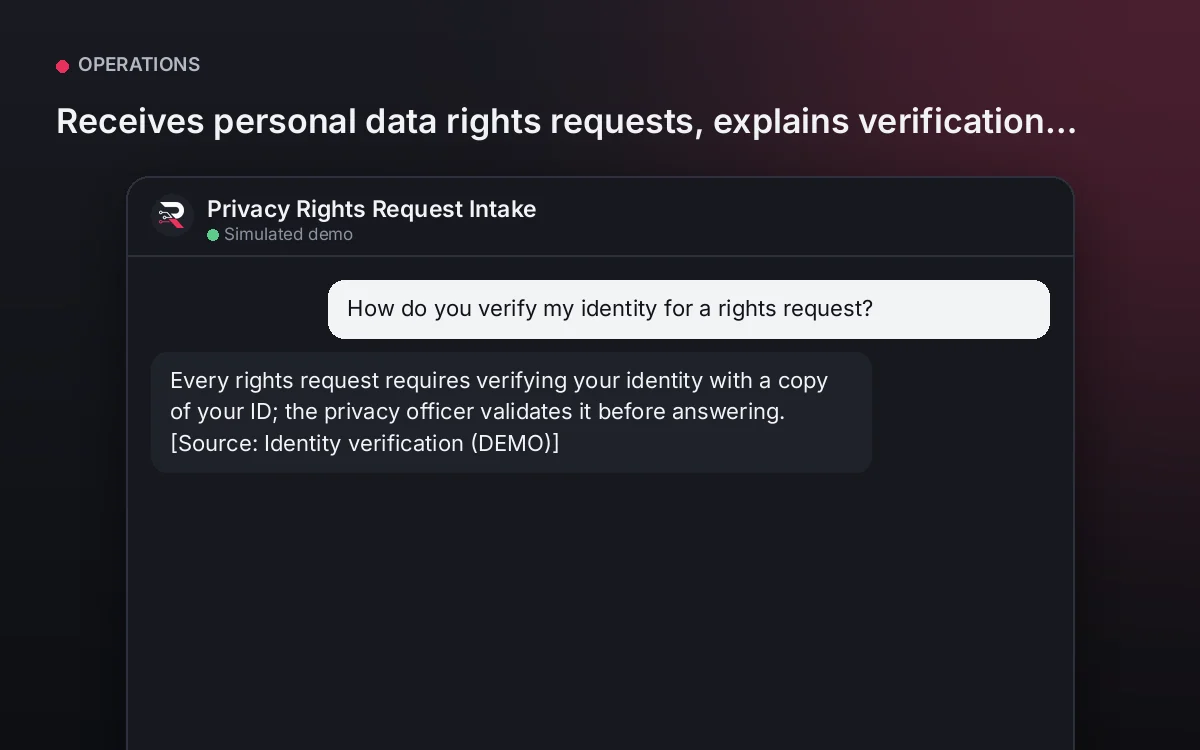
From USD 299.00 / yearView agentPrivacy Rights Request Intake
Receives personal data rights requests, explains verification and times, and routes them without giving out data.
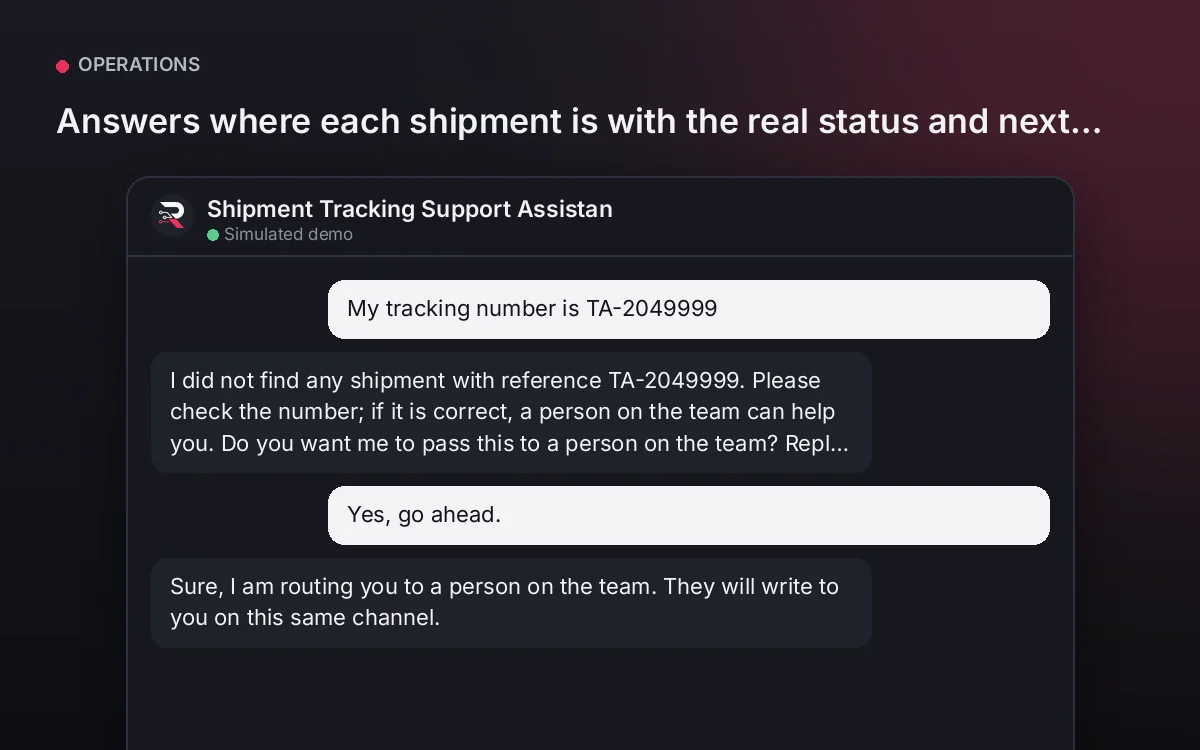
From USD 299.00 / yearView agentShipment Tracking Support Assistant
Answers where each shipment is with the real status and next step, and routes exceptions to your team.
From USD 299.00 / yearView agent
Invoice Status Assistant
Install the plugin, connect your ERP or use the built-in record, load your status guide, connect your AI key and test with a real invoice.
Full product description
With the invoice number it looks up your record and answers whether it is registered, scheduled with its date, paid or flagged with the reason, explaining what to fix with your guide. Invoices without a record and disputes go to accounts payable. It never changes payment dates.