

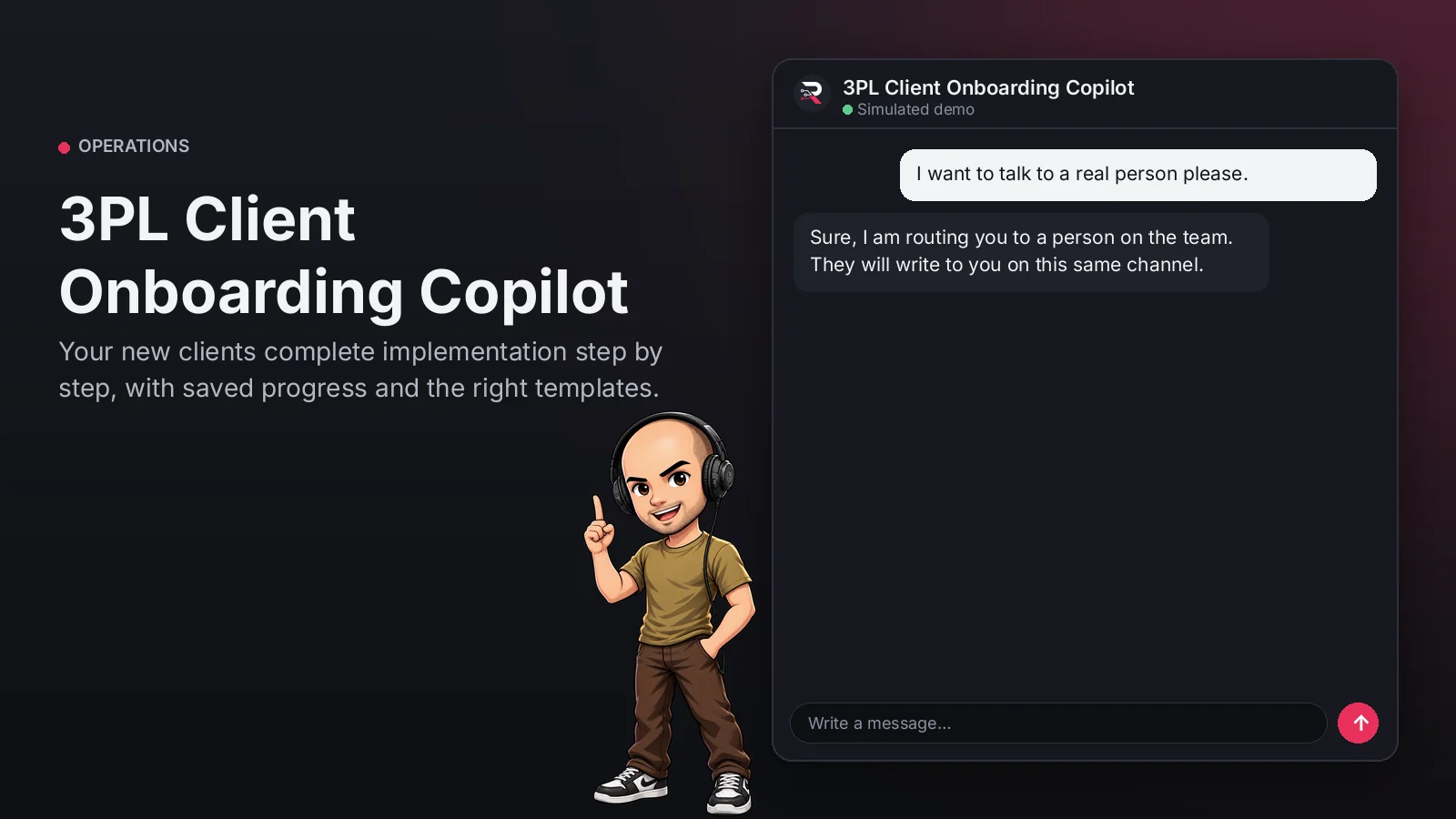
What this agent can do for your business
- Checklist with saved progressIncluded
- Exact help on every stepIncluded
- Answers from your SOPs and templatesWith your setup
- No promised datesIncluded
- Hands the case to a person on your team when neededWith your setup
- Chat on your WordPress site, in Spanish and EnglishIncluded
Guides your operation's implementation checklist (profile and contacts, product master, dispatch rules, first receiving and test...
3PL Client Onboarding Copilot
Your new clients complete implementation step by step, with saved progress and the right templates.
Built for: 3PL operators and warehouses
From USD 299.00 / year
Annual access · updates and support during the term
What changes in your business
- Implementations dragging on over missing data
- Clients unsure which template to use
Try 3PL Client Onboarding Copilot
Talk to the agent the way a customer would. It uses demo data and changes no real system.

Hi 👋 I am 3PL Client Onboarding Copilot. I use demo data.
Demo data. It does not change any real system.
From install to the first conversation
 1
1Configure
Enable the plugin in your WordPress, pick your AI provider and load your business context.
 2
2Converse
The agent answers on your website using your catalog and knowledge base.
 3
3Hand off and log
When a case needs your team it hands it off to a person, and keeps the conversation when the visitor leaves contact details.
What it does and what it connects to
- Checklist with saved progress
- Exact help on every step
- Answers from your SOPs and templates
- No promised dates
What the agent can do
- Website chat
- Guided onboarding checklists
- Human handoff
- Knowledge search
- Answers from your knowledge base
Compatibility
- REST API
- Any website
- WooCommerce
- WordPress
What your purchase includes
- Delivery
- ZIP package for local WordPress installation.
Requirements
- WordPress 6+
- AI provider key (OpenRouter, OpenAI, Anthropic, Google or DeepSeek)
- Your implementation checklist, SOPs and templates (knowledge base); WMS, CRM / webhook and file upload optional
Before you buy
Does it promise go-live dates?
No. The implementation manager confirms them after the test orders.
Where is progress kept?
In your WordPress, per client conversation and for 30 days.
What do I need to configure?
Your implementation checklist (steps, help and keywords), your SOPs and templates as the knowledge base, the implementation manager and your AI key. WMS, CRM and file upload are optional.
Does it receive files?
File upload is optional; by default it points to the shared folder.
Works well with
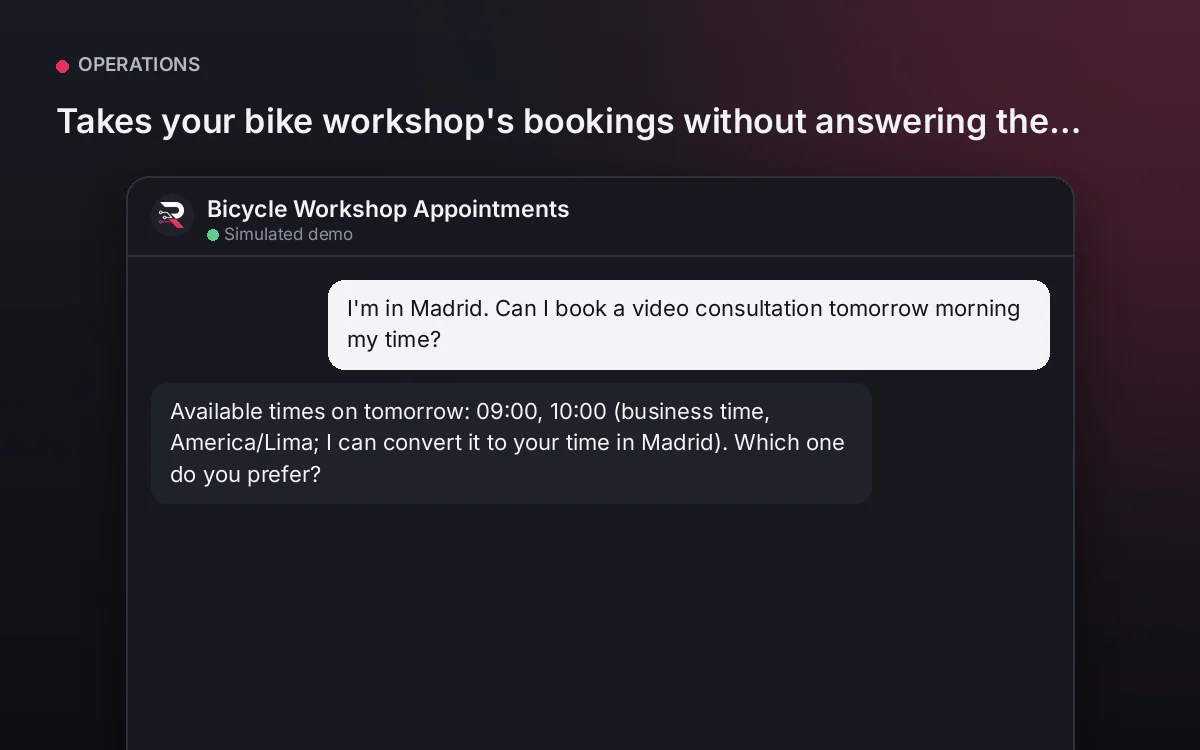
Bicycle Workshop Appointments
Takes your bike workshop's bookings without answering the phone.
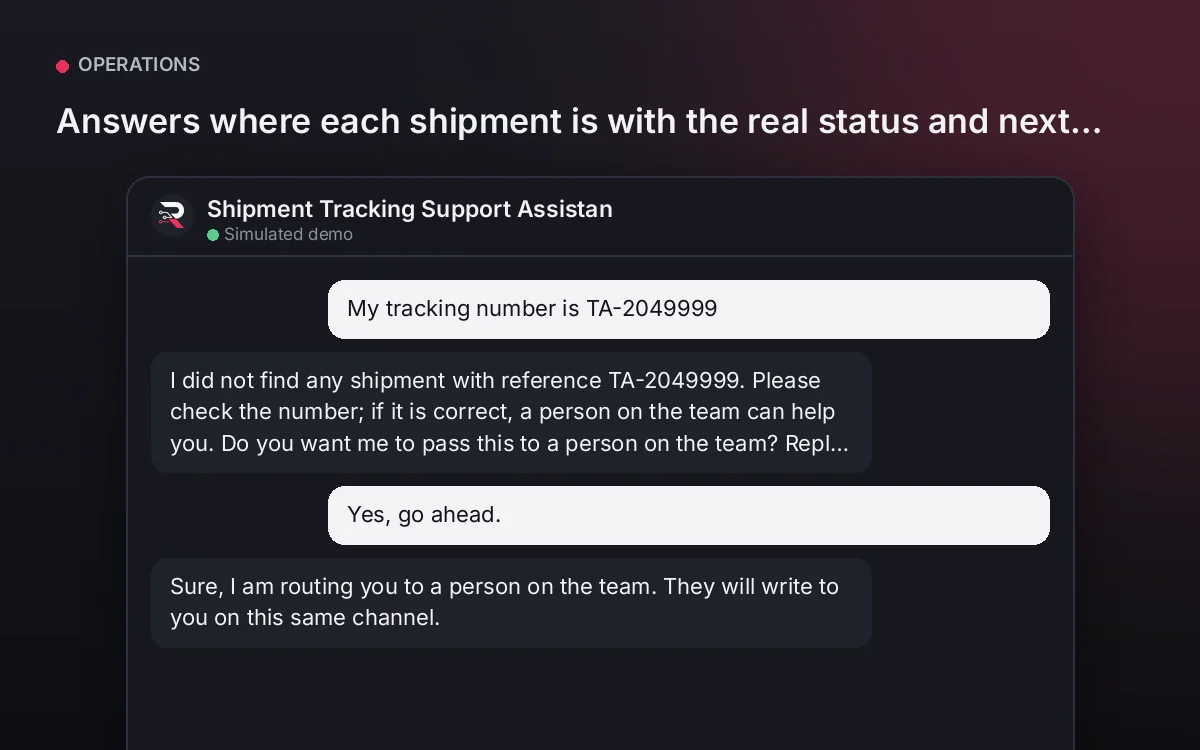
From USD 299.00 / yearView agentShipment Tracking Support Assistant
Answers where each shipment is with the real status and next step, and routes exceptions to your team.
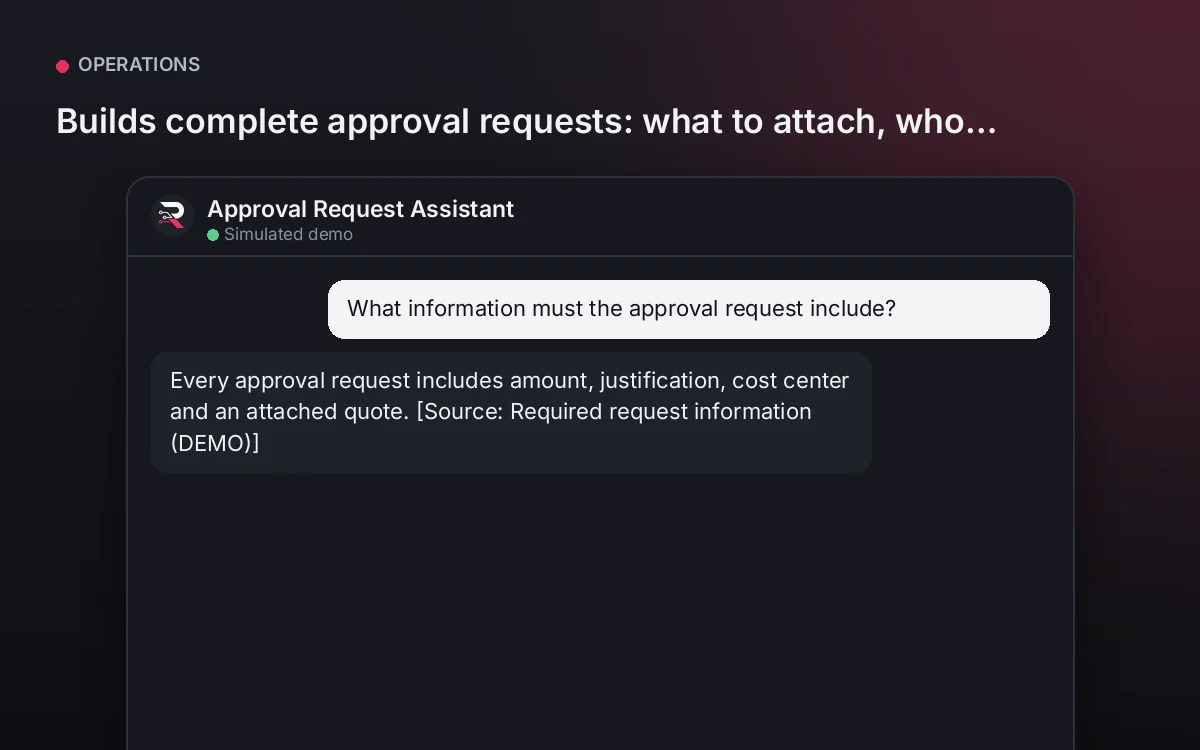
From USD 299.00 / yearView agentApproval Request Assistant
Builds complete approval requests: what to attach, who approves and in what time, per your policy.
From USD 299.00 / yearView agent
3PL Client Onboarding Copilot
Install the plugin, define your implementation checklist and its help, load your SOPs and templates, connect your AI key and test a full implementation.
Full product description
Guides your operation's implementation checklist (profile and contacts, product master, dispatch rules, first receiving and test orders), records each client's progress and blockers and answers questions from your SOPs and templates. It never promises go-live dates; whoever gets stuck or finishes goes to their implementation manager.