

What this agent can do for your business
- Real step-by-step progressIncluded
- Help at every stepIncluded
- Routes blockersIncluded
- Never configures for the clientIncluded
- Answers from your own content: the knowledge base you loadWith your setup
- Chat on your WordPress site, in Spanish and EnglishIncluded
Shows the current step of your implementation checklist with its help, records progress only when the...
Client Implementation Onboarding
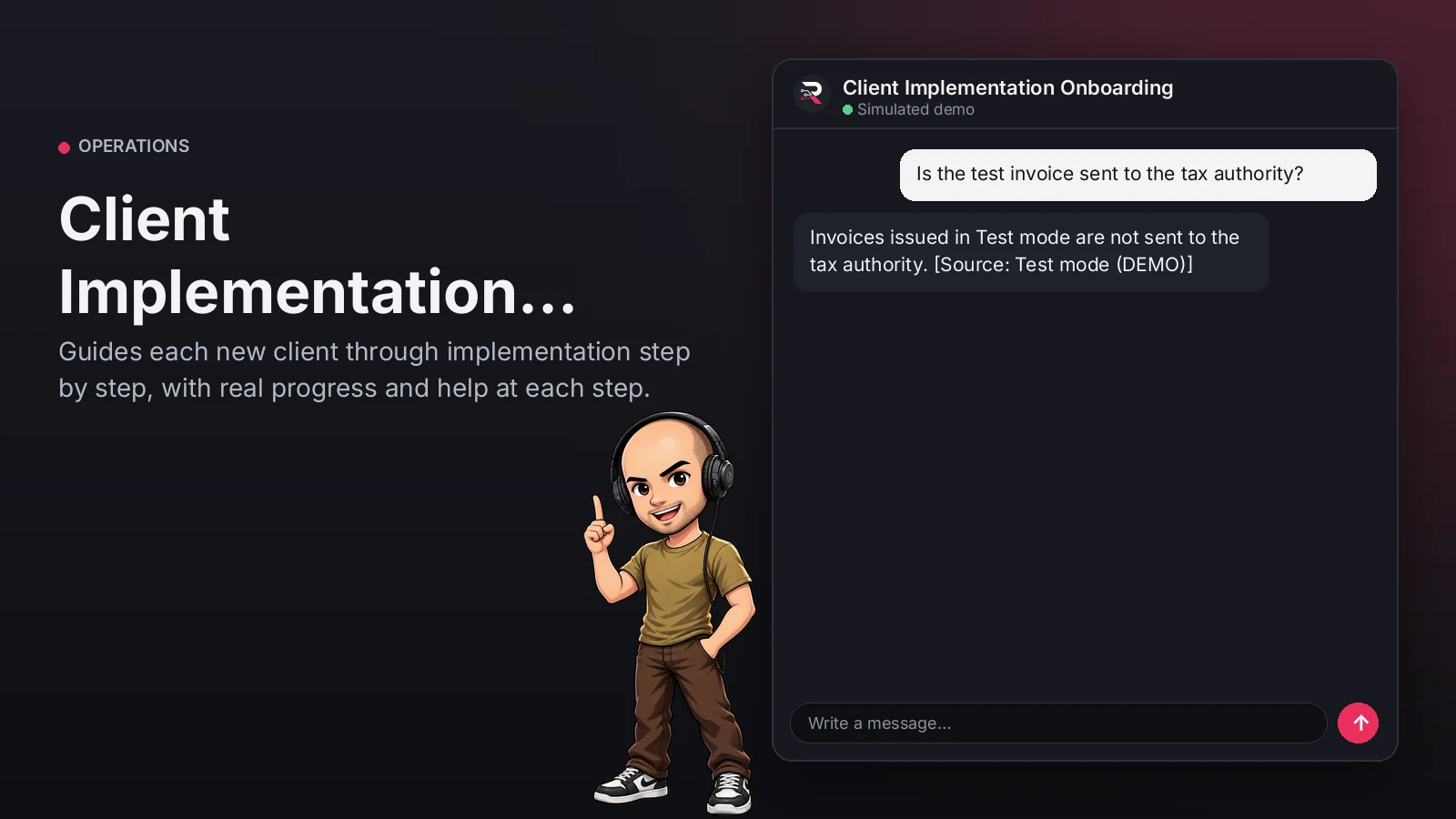
Guides each new client through implementation step by step, with real progress and help at each step.
Built for: B2B software companies with guided implementation
From USD 299.00 / year
Annual access · updates and support during the term
What changes in your business
- Clients abandoning implementation halfway
- Consultants repeating the same instructions
Try Client Implementation Onboarding
Talk to the agent the way a customer would. It uses demo data and changes no real system.

Hi 👋 I am Client Implementation Onboarding. I use demo data.
Demo data. It does not change any real system.
From install to the first conversation
 1
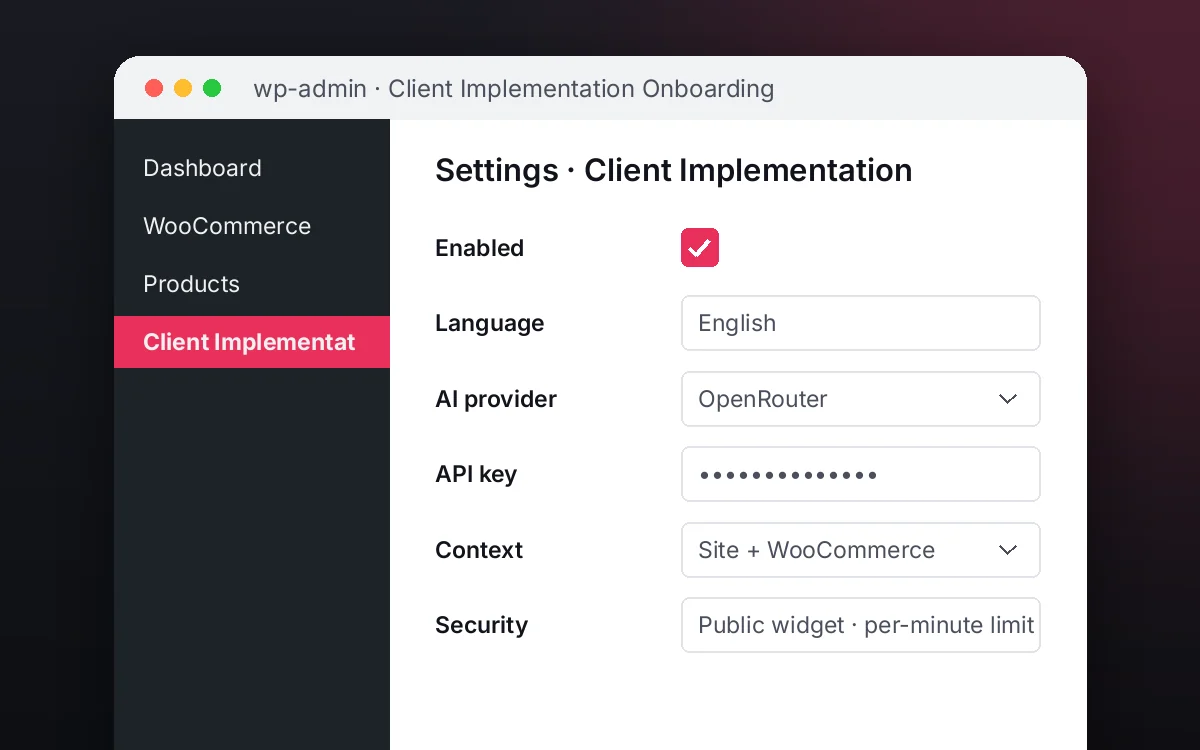
1Configure
Enable the plugin in your WordPress, pick your AI provider and load your business context.
 2
2Converse
The agent answers on your website using your catalog and knowledge base.
 3
3Hand off and log
When a case needs your team it hands it off to a person, and keeps the conversation when the visitor leaves contact details.
What it does and what it connects to
- Real step-by-step progress
- Help at every step
- Routes blockers
- Never configures for the client
What the agent can do
- Website chat
- Guided onboarding checklists
- Human handoff
- Knowledge search
- Answers from your knowledge base
Compatibility
- REST API
- Any website
- WooCommerce
- WordPress
What your purchase includes
- Delivery
- ZIP package for local WordPress installation.
Requirements
- WordPress 6+
- AI provider key (OpenRouter, OpenAI, Anthropic, Google or DeepSeek)
- Your onboarding checklist and guide (knowledge base)
Before you buy
Does it configure the account for the client?
No. It guides each step and records progress; the client or your consultant does the configuration.
Can I change the steps?
Yes, you define your checklist's steps, their help and keywords.
What do I need to configure?
Load your implementation checklist and guide as the knowledge base, set who receives routed cases and connect your AI key.
Does it invent answers?
No. It only answers from your approved sources; if something is not documented it says so and routes the case.
Works well with
Order Status Assistant
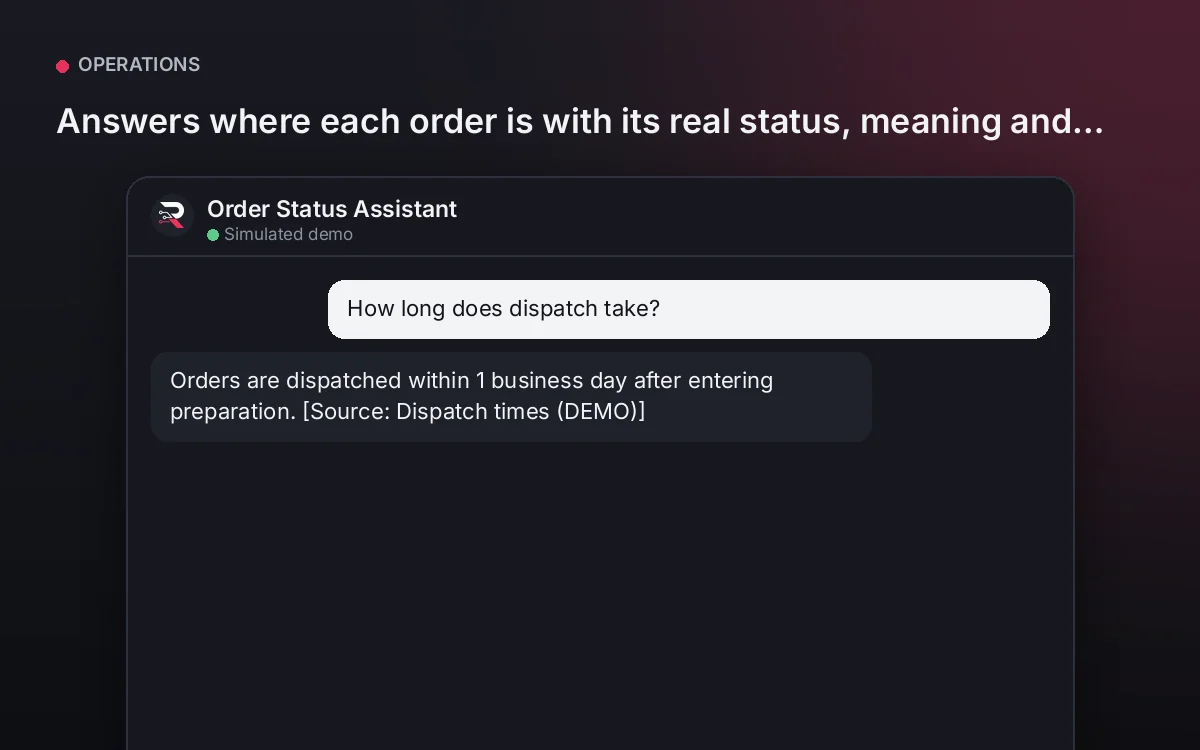
Answers where each order is with its real status, meaning and next step, never inventing dates.
From USD 299.00 / yearView agentMakerspace Member Knowledge
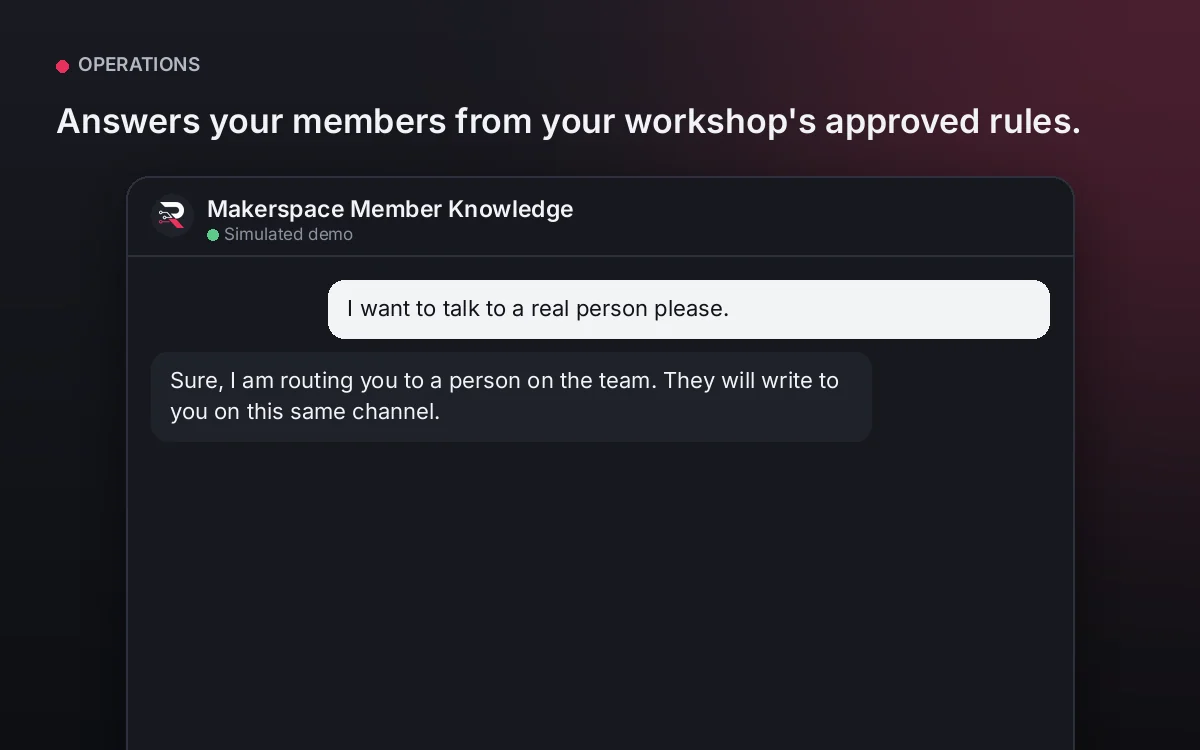
Answers your members from your workshop's approved rules.
From USD 299.00 / yearView agentSaaS Customer Onboarding Copilot
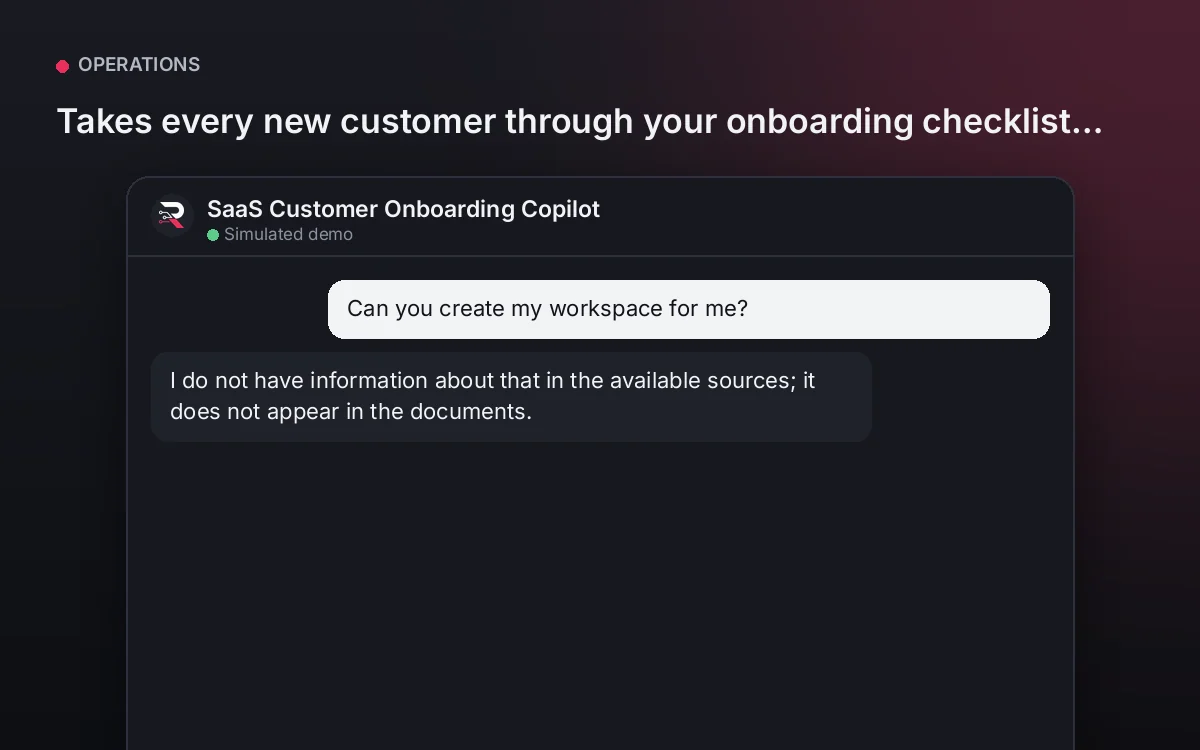
Takes every new customer through your onboarding checklist, step by step, with saved progress and help on each step.
From USD 299.00 / yearView agent
Client Implementation Onboarding
Install the plugin, define your implementation checklist with its help, load your guide, connect your AI key and test the full journey.
Full product description
Shows the current step of your implementation checklist with its help, records progress only when the client confirms and answers questions from your guide. If the client gets stuck, it hands them to your implementation consultant. It never claims to have configured the account.