

What this agent can do for your business
- Checklist with each customer's progressIncluded
- Concrete help on every stepIncluded
- Records blockers and offers human helpIncluded
- Answers questions from your documentationWith your setup
- Chat on your WordPress site, in Spanish and EnglishIncluded
Shows your product's onboarding checklist, the current step and how to do it, records each customer's...
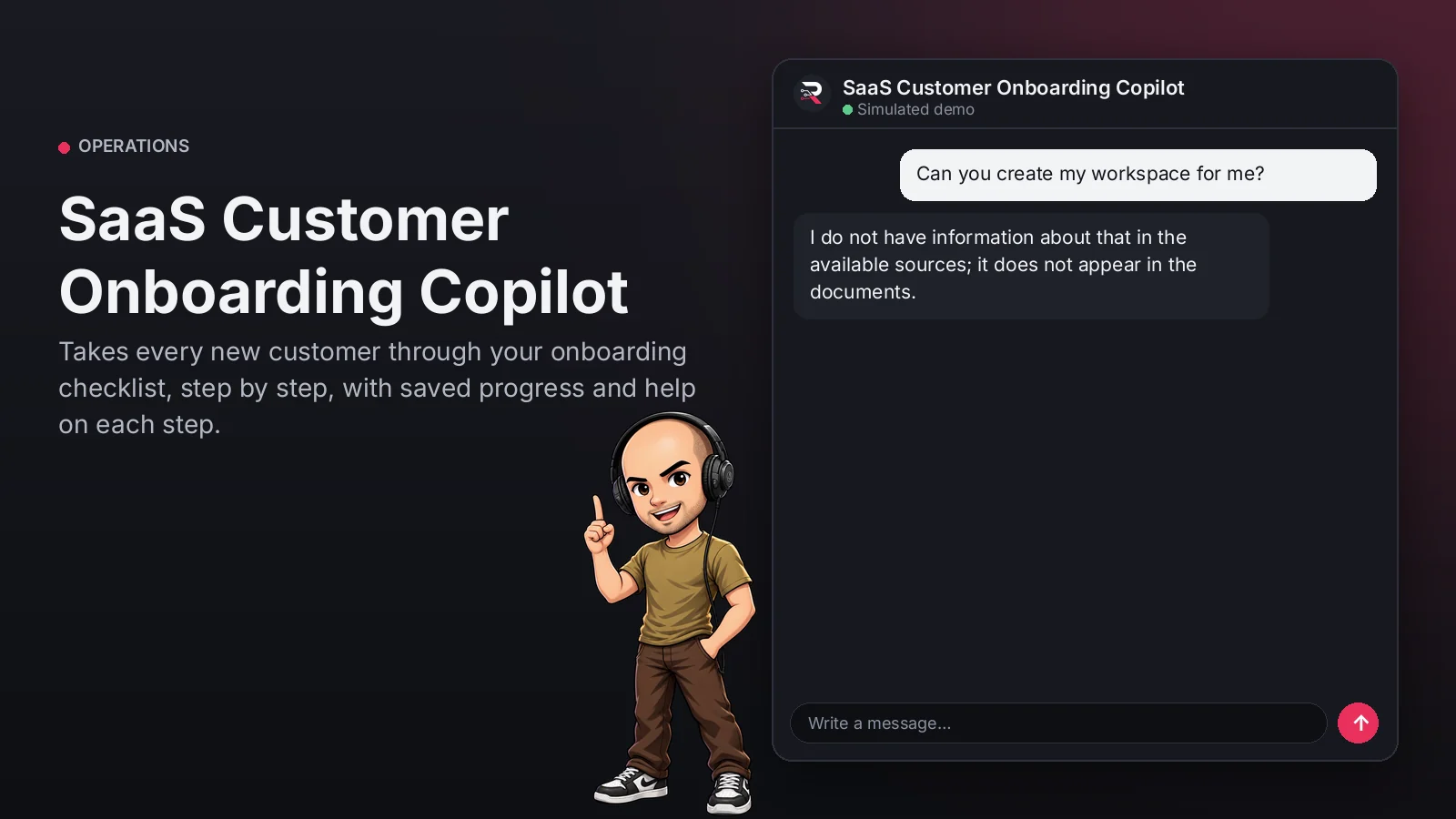
SaaS Customer Onboarding Copilot
Takes every new customer through your onboarding checklist, step by step, with saved progress and help on each step.
Built for: SaaS Customer Success teams
From USD 299.00 / year
Annual access · updates and support during the term
What changes in your business
- Repetitive onboarding that consumes Customer Success
- Customers who get stuck in setup and churn
Try SaaS Customer Onboarding Copilot
Talk to the agent the way a customer would. It uses demo data and changes no real system.

Hi 👋 I am SaaS Customer Onboarding Copilot. I use demo data.
Demo data. It does not change any real system.
From install to the first conversation
 1
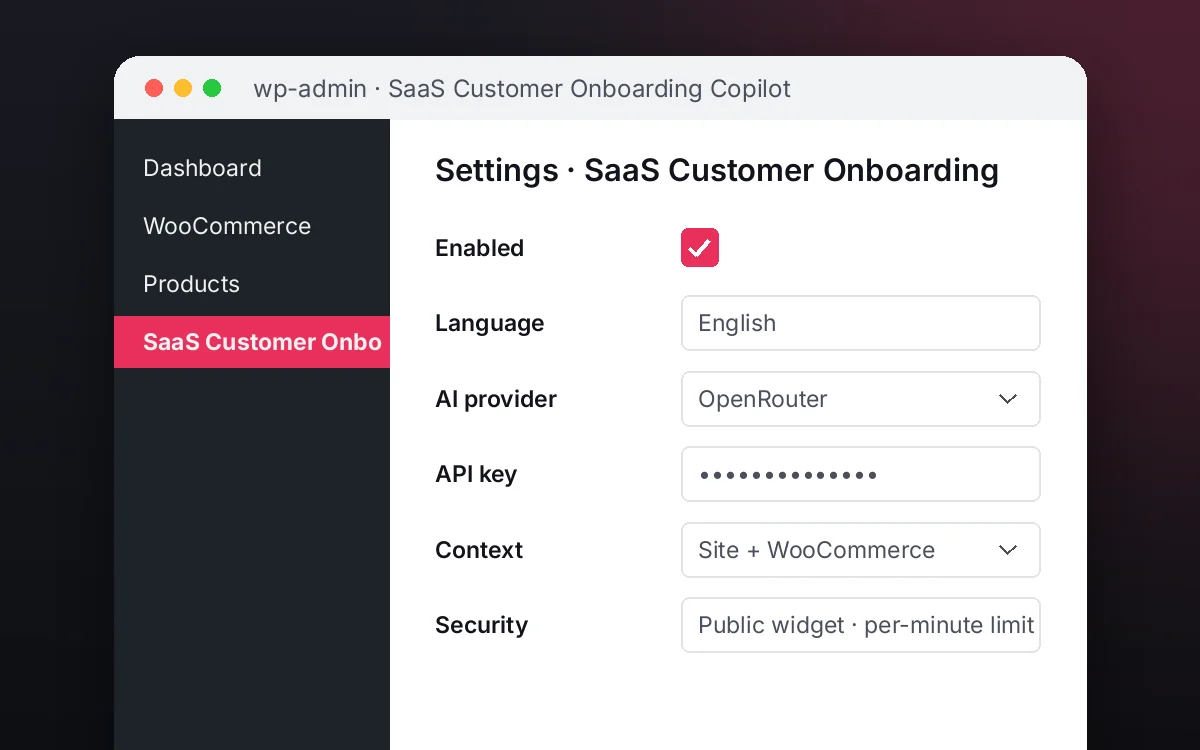
1Configure
Enable the plugin in your WordPress, pick your AI provider and load your business context.
 2
2Converse
The agent answers on your website using your catalog and knowledge base.
 3
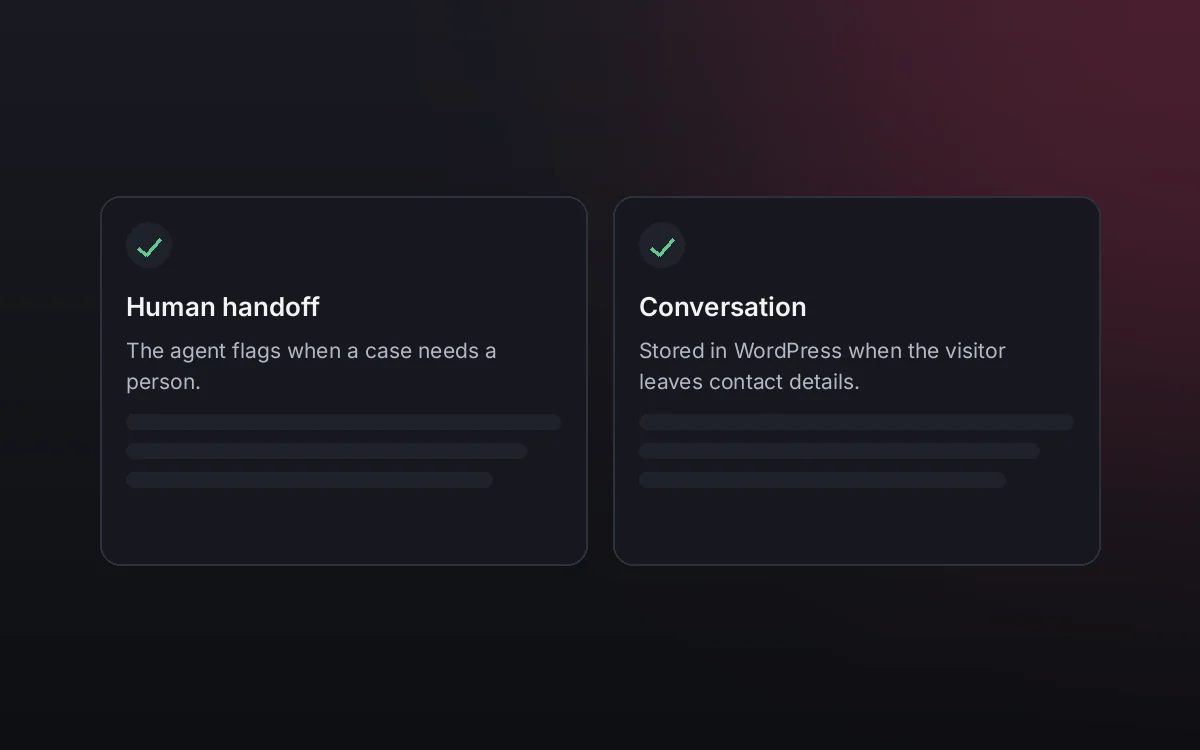
3Hand off and log
When a case needs your team it hands it off to a person, and keeps the conversation when the visitor leaves contact details.
What it does and what it connects to
- Checklist with each customer's progress
- Concrete help on every step
- Records blockers and offers human help
- Answers questions from your documentation
What the agent can do
- Website chat
- Guided onboarding checklists
- Human handoff
- Knowledge search
- Answers from your knowledge base
Compatibility
- REST API
- Any website
- WooCommerce
- WordPress
What your purchase includes
- Delivery
- ZIP package for local WordPress installation.
Requirements
- WordPress 6+
- AI provider key (OpenRouter, OpenAI, Anthropic, Google or DeepSeek)
- Your onboarding checklist and documentation (knowledge base); product / CRM sync optional
Before you buy
Where is progress kept?
In your WordPress, per customer conversation and for 30 days. Syncing it with your product or CRM is an optional integration.
Does it change the customer's account?
No. It guides each step and records the progress the customer reports; it never modifies your product or CRM.
What do I need to configure?
Your checklist (steps, help and keywords), your documentation as the knowledge base, who receives stuck customers and your AI key.
Does it work for employee onboarding?
The checklist is configurable: use it for customers, employees or partners by changing the steps and documentation.
How is it different from a generic chat?
It follows a checklist with saved progress, gives the exact instruction for each step and routes whoever gets stuck.
Works well with
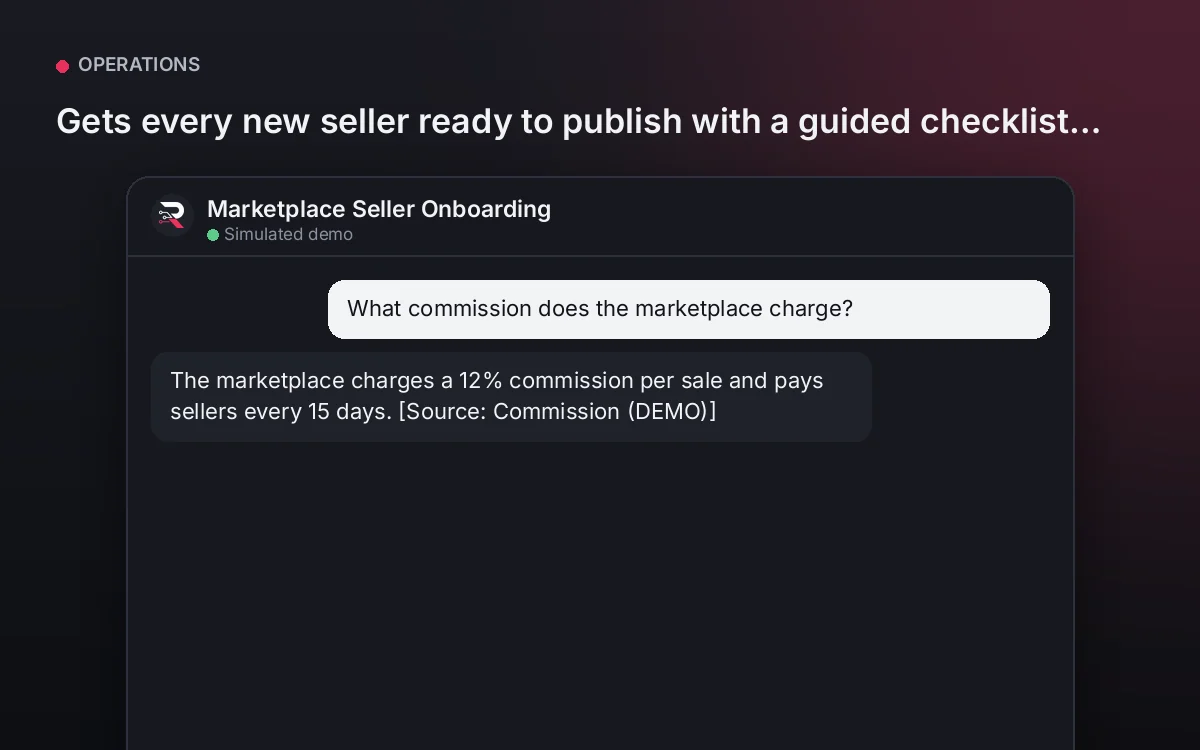
Marketplace Seller Onboarding
Gets every new seller ready to publish with a guided checklist and your marketplace requirements.
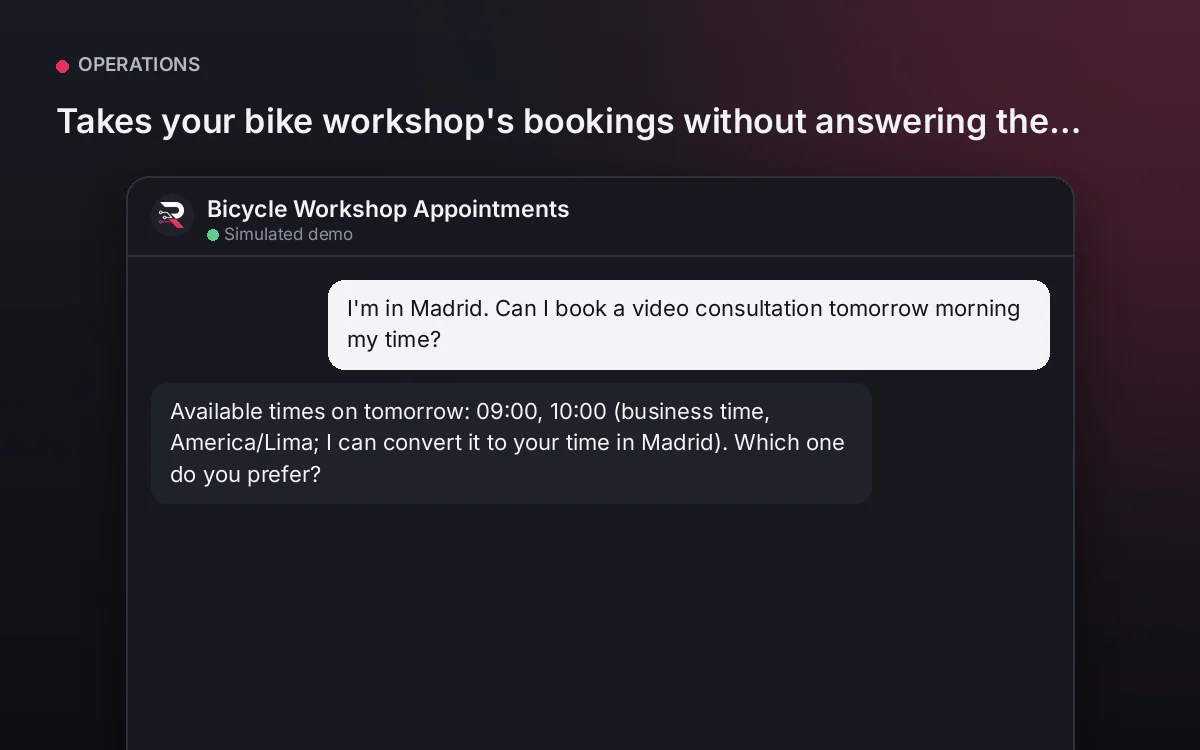
From USD 299.00 / yearView agentBicycle Workshop Appointments
Takes your bike workshop's bookings without answering the phone.
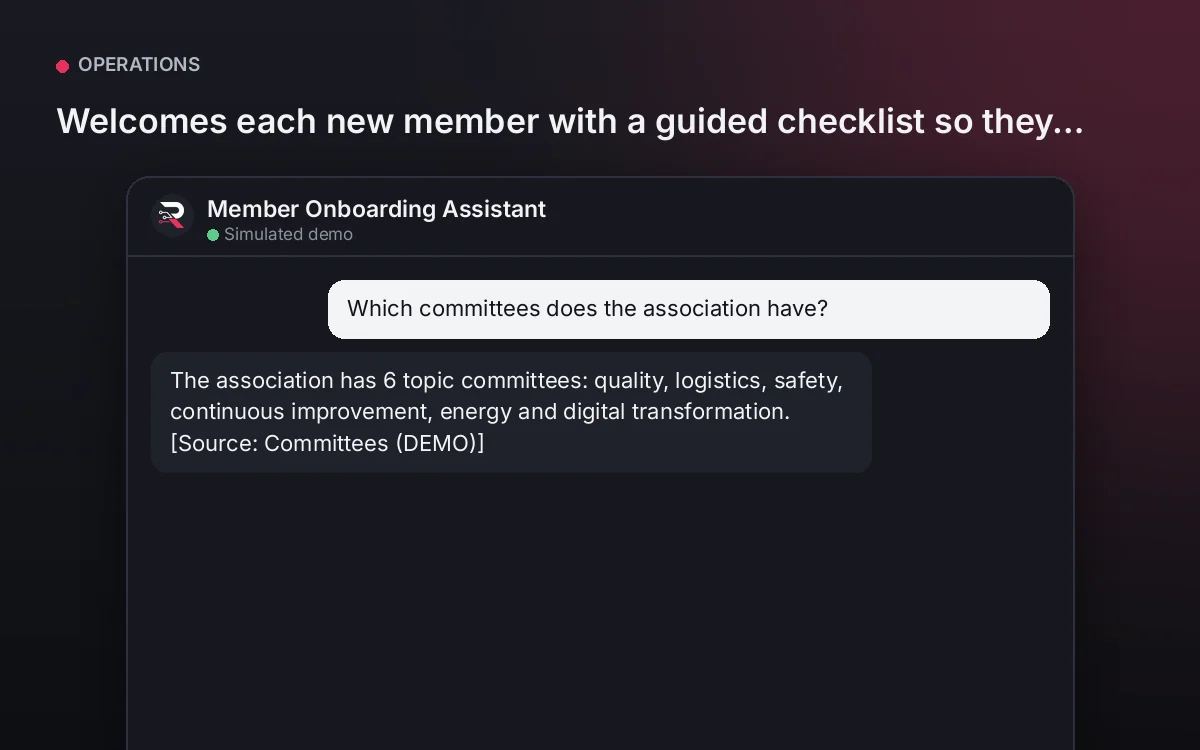
From USD 299.00 / yearView agentMember Onboarding Assistant
Welcomes each new member with a guided checklist so they make the most of the association from the start.
From USD 299.00 / yearView agent
SaaS Customer Onboarding Copilot
Install the plugin, define your checklist and its help, load your documentation, connect your AI key and test a full onboarding.
Full product description
Shows your product's onboarding checklist, the current step and how to do it, records each customer's progress and blockers and answers questions from your documentation. If someone gets stuck or finishes, it passes them to Customer Success. It never changes the account or your CRM: it guides and records progress.